DRAW IT Team Drawing and Guessing Game
Draw It is a fun team game where one player gets a word and draws it so teammates can guess. Teammates type their guesses on their own phones, a correct answer is approved automatically and the next word comes up. Perfect for team building, parties and events.
Draw It - Event Flow
Design a more enjoyable experience with gamification dynamics.
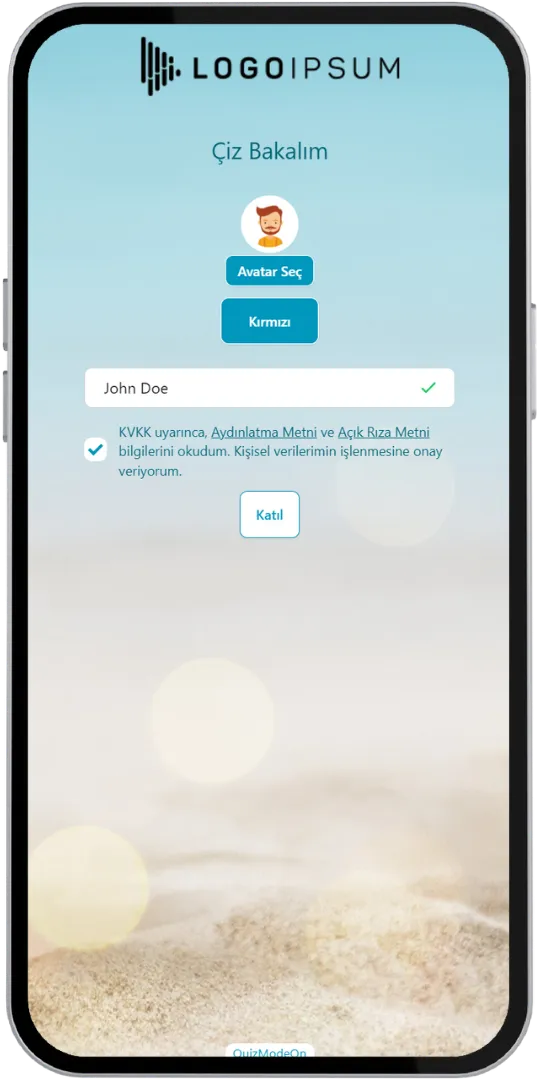
- Participant Login
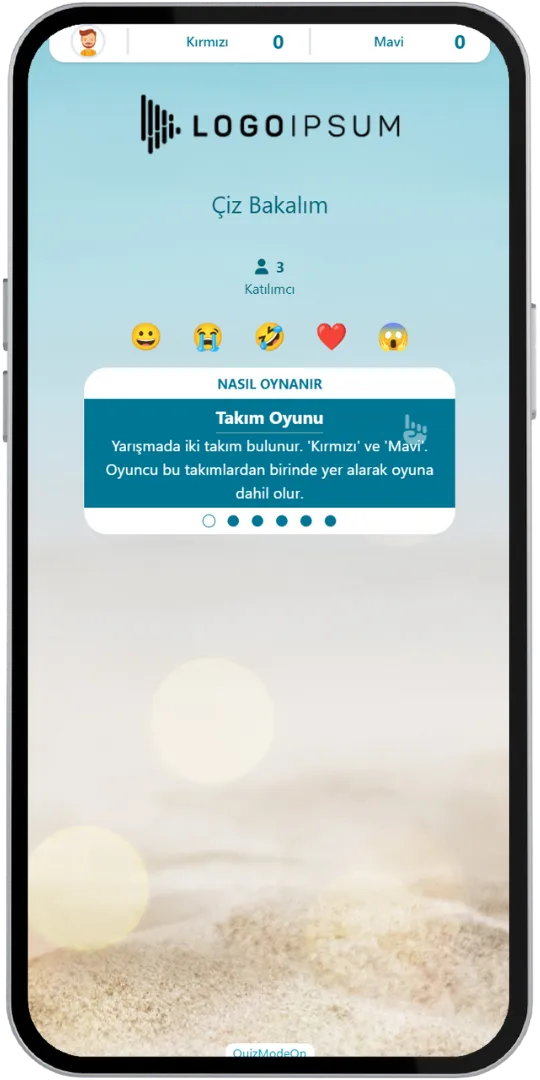
- Lobby (How to Play)
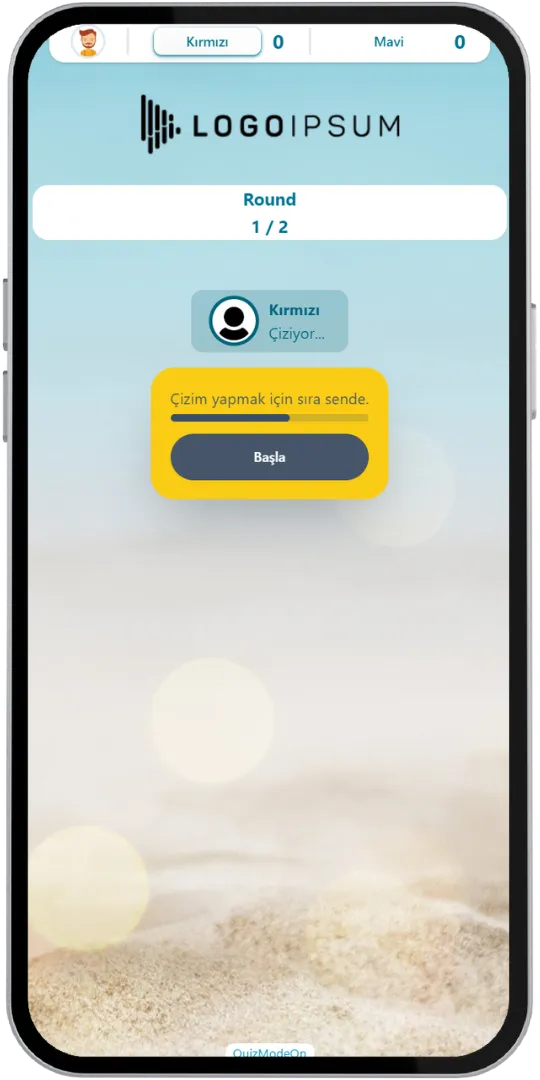
- Drawer - Ready
- Drawer - New Word
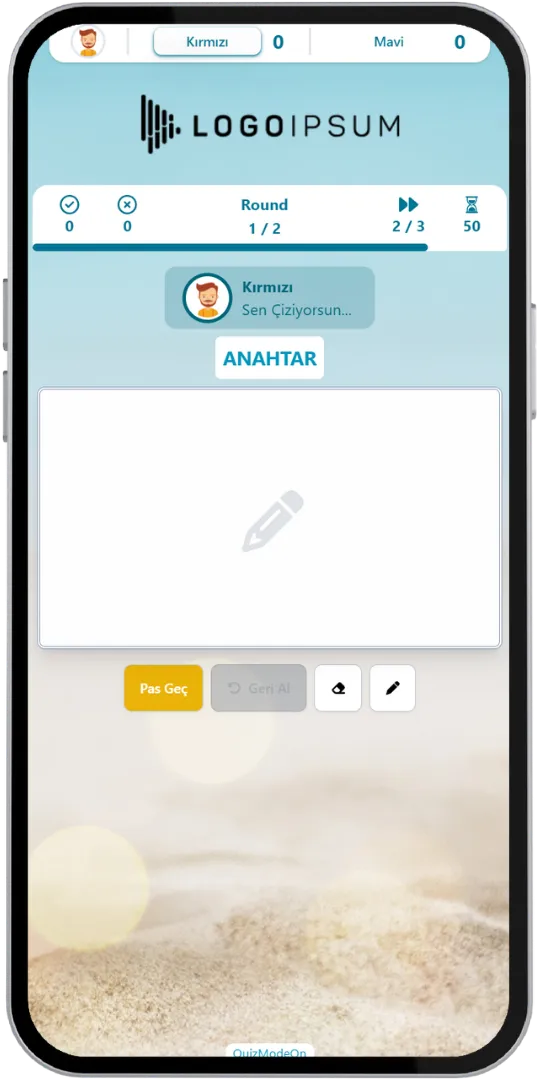
- Drawer - Drawing
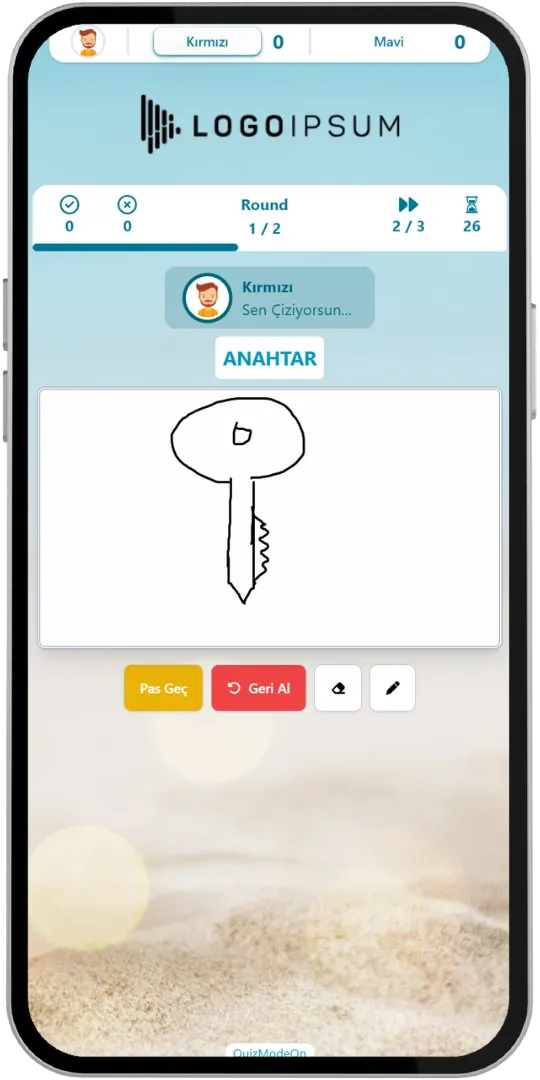
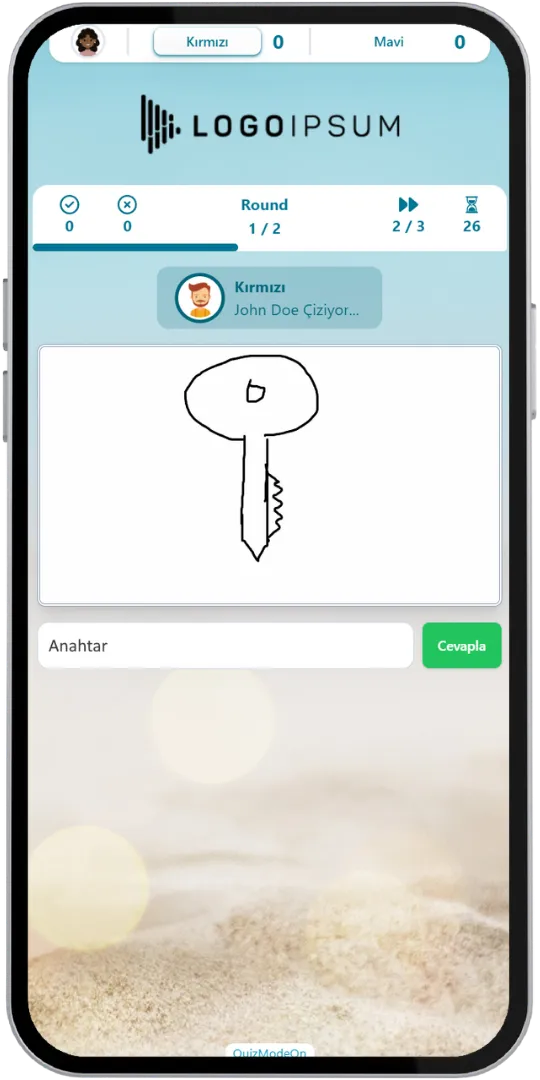
- Guesser - Typing the Guess
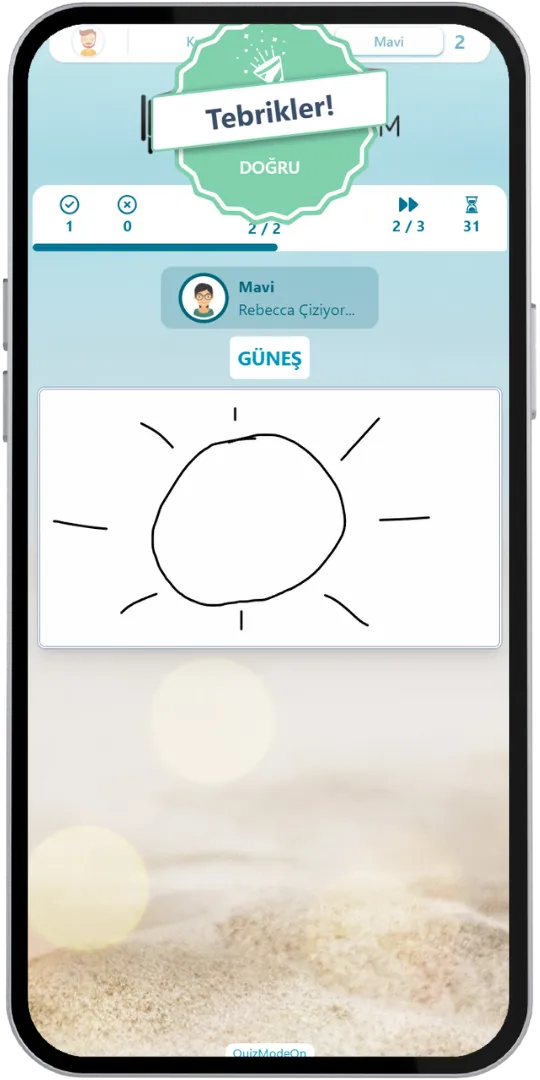
- Correct Guess
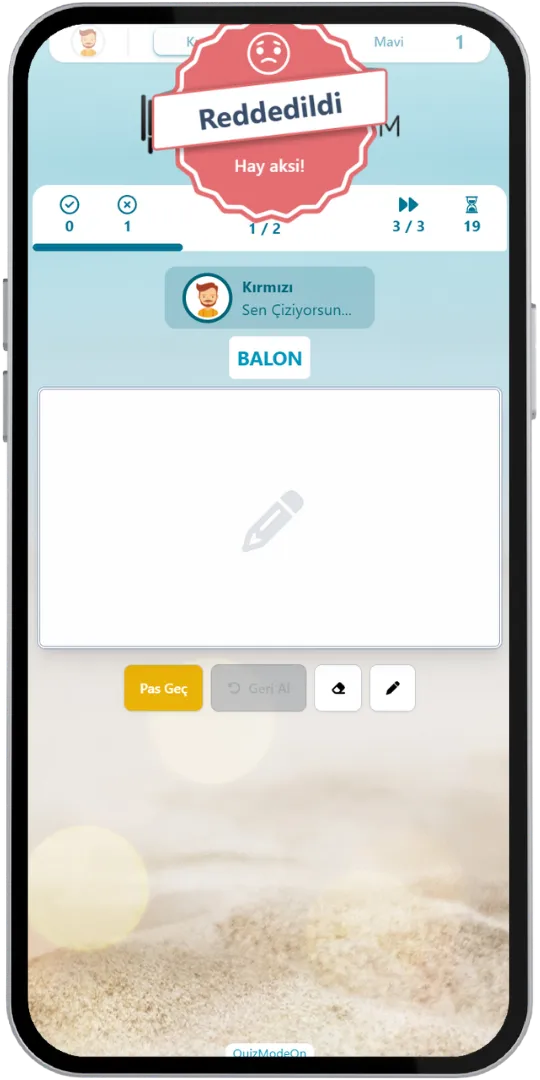
- Rejected Drawing
- Moderator - Waiting
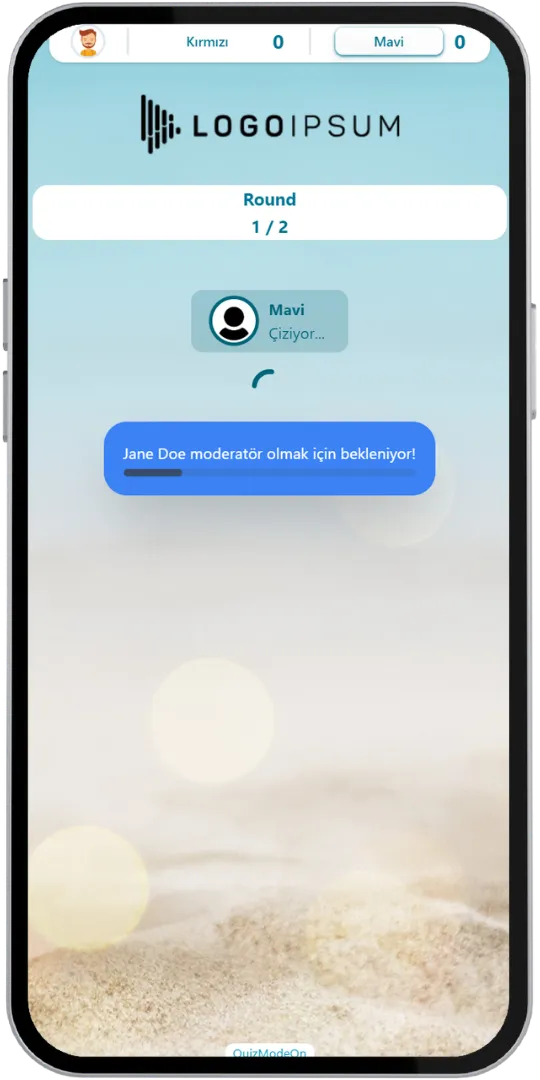
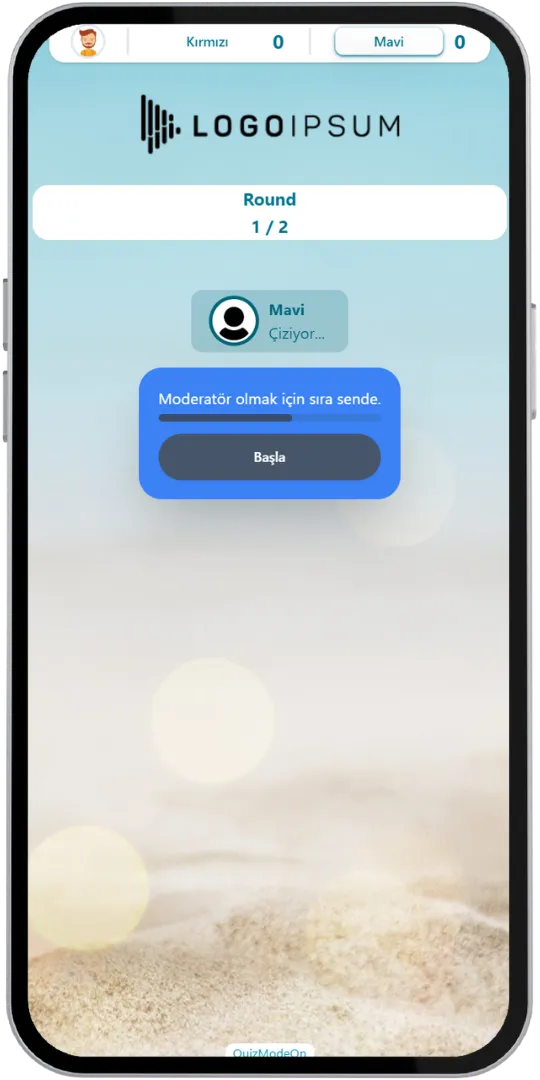
- Moderator - Ready
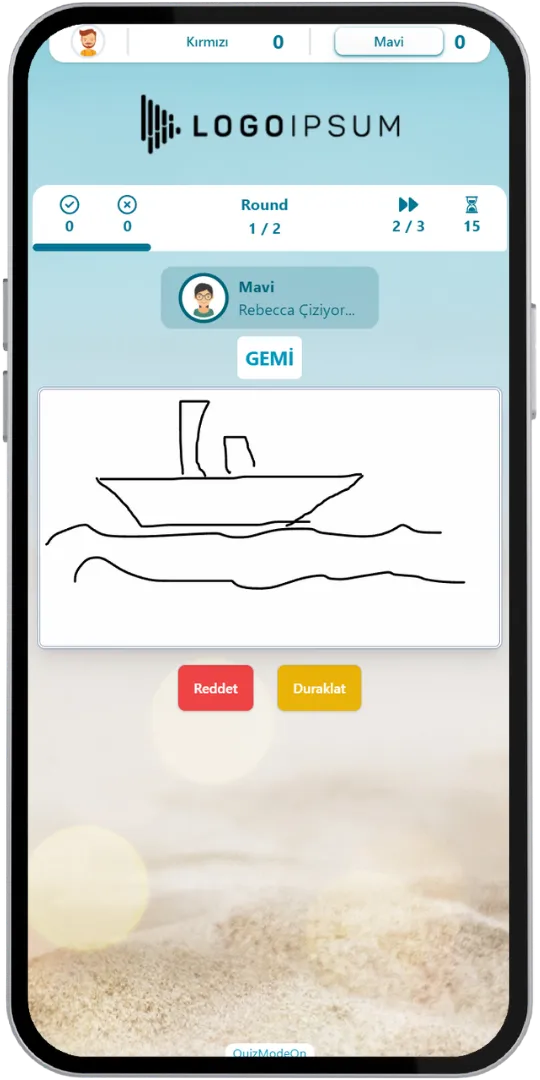
- Moderator - Control
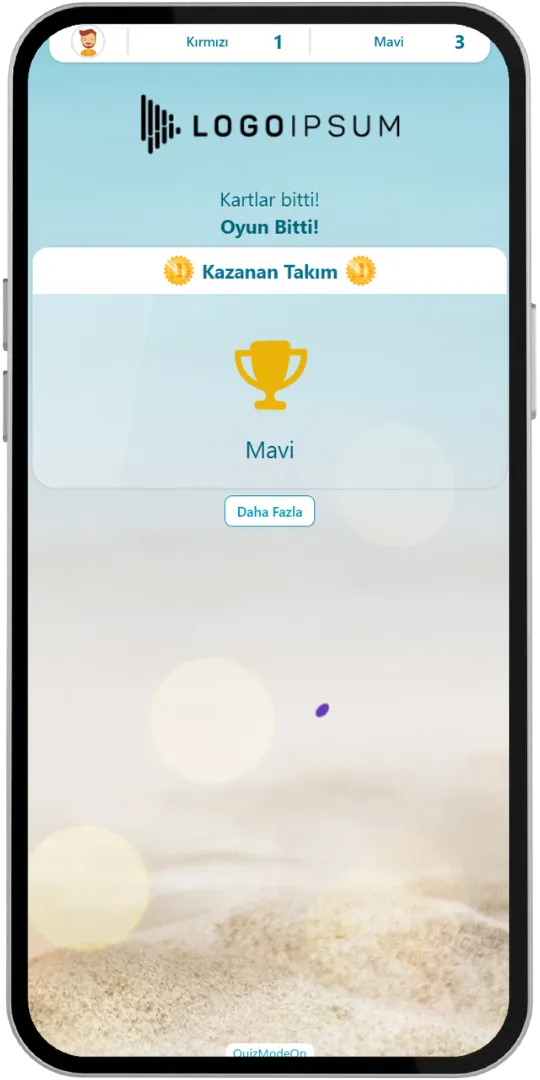
- Result (Winning Team)
Game Modes & Unique Features
Discover various features to spice up your events.
Build Team Collaboration for Both Online and In-Person Events
Draw It is played by two teams that take turns drawing and guessing in rounds, with team scores shown live. It works in in-person meetings and in video conferences, because everyone joins from their own phone.
Use Customized Brand Theme Feature’s Power for Draw It
Enjoy complete flexibility of QuizModeOn’s theme editor and easily apply your corporate identity by adding custom logos, brand colors, and backgrounds.
Draw Right on the Phone
The drawer sketches on a canvas on their phone with a pen and an eraser, can undo a stroke and, with a limited number of passes, skip a word. Teammates watch the drawing appear and type their guess.



Four Ways to Add Words
Type your own words, find them in the word pool, upload them from an Excel file, or pick ready-made templates from the QuizModeOn library to add many words at once.
Automatic Answer Check
Guessers type their guess instead of saying it out loud. When the answer is correct, the system approves it automatically and the next word comes up, so nobody has to wait for the moderator.
Moderator Control
Moderation can be done by a player from the rival team of the team in turn, or by a separate moderator who is not playing. A drawing that breaks the rules, for example by writing the word on the screen, can be rejected, and the game can be paused when needed.
Team Activity
Draw It is played live between two teams. Players pick their team, or the moderator can assign them randomly. A word drawn successfully earns the team 1 point, cheating gives the rival team 1 point, and passing does not affect the score. The game ends when the set number of rounds or the words are over.
Excel Report
When the event ends, an Excel file is created with the participants' registration details and the drawn, passed and cheated words.
Lobby Fun
While waiting in the lobby, participants send emojis to each other and read short how-to-play tips, so the game starts without any explanation.
When, Where, and Why? Use of Draw It
Create events with various combinations for all your needs.
- In-Corporate Events
- HR Recruitment
- Learning/Training
- Marketing
When
Draw It is frequently used for team building & internal corporate events.
- Team Building
- Company Culture Building
- Onboarding
- Internal Communications
- Training Sessions
Where
Draw It events are best for social and internal corporate activities.
- Ice-Breaker Sessions
- Happy Hours & Parties
- Workshops & Webinars
- Celebrations
- Corporate Events
Why
Draw It is a creative, laugh-out-loud game for team-building events.
- Break the Ice Between Colleagues
- Add Laughter and Energy to Meetings
- Promote Friendly Competition
- Foster a Collaborative Work Culture
- Include Everyone: Simple Sketches Are Enough



How to Create Draw It Events?
Learn event creation progress step by step.
Add the words your players will draw. There are four ways to do it.
- Type your own words one by one.
- Find words in the word pool and add them.
- Upload your words from an Excel file.
- Pick ready-made templates from the QuizModeOn library and add many words at once.
Create customized branded themes and designs that fit your corporate identity or key visuals of custom works and events.
Check and finalize your content.
Let’s set up an event for your content with some features.
- Draw It is a team game, so it is played as a live event. Players can choose their own team or be assigned to teams randomly.
- Set the features of your event information, like the participant limit and the PIN code.
- Choose your audience‘s sign up options and what information you need to keep and use, and customize how participants see their login screen.
- You can use predefined avatars or create and upload custom avatars for registration.
After planning the event, it’s time to start and manage your event.
Let your audience have fun and engage.
Draw It Alternatives
Try distinct type of events with unique dynamics and excitement levels.


Check Out Our Blog
Get inspired to discover valuable insights, tips, and strategies.
Gameplay Video
Watch our short video to learn about the basics, such as event flow and features.