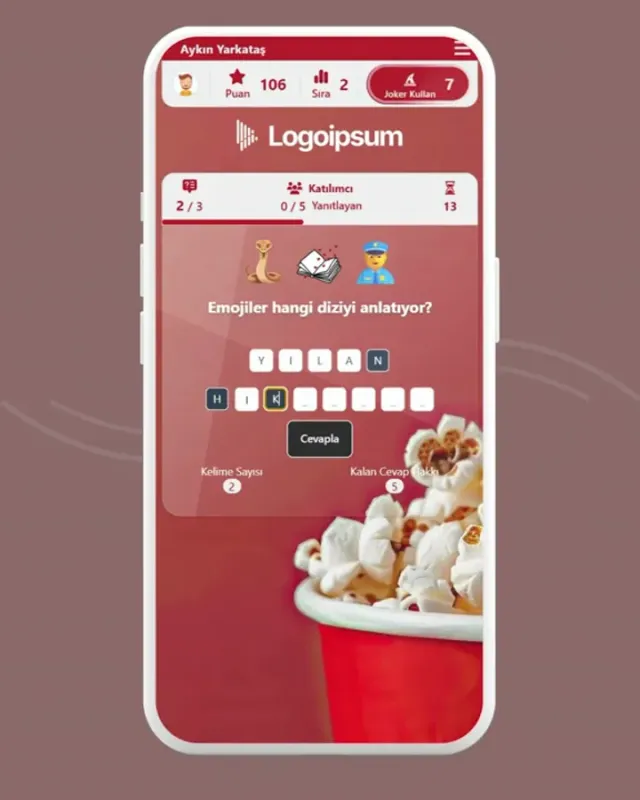
EMOJI QUIZ Guess the Answer from Emoji Clues
Emoji Quiz shows 2 to 8 emojis as clues, with a question such as “Which movie do these emojis describe?”. Participants see how many words and letters the answer has and type their guess into letter boxes, as fast as they can. The faster the answer and the fewer clues needed, the more points.
Emoji Quiz - Event Flow
Design a more enjoyable experience with gamification dynamics.
- Question (TV Series)
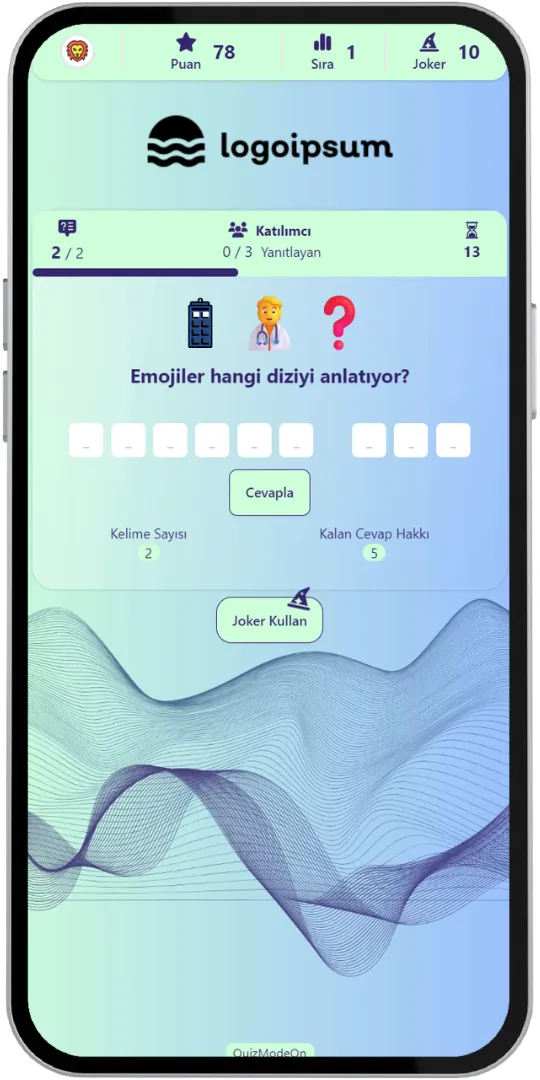
- Using a Joker
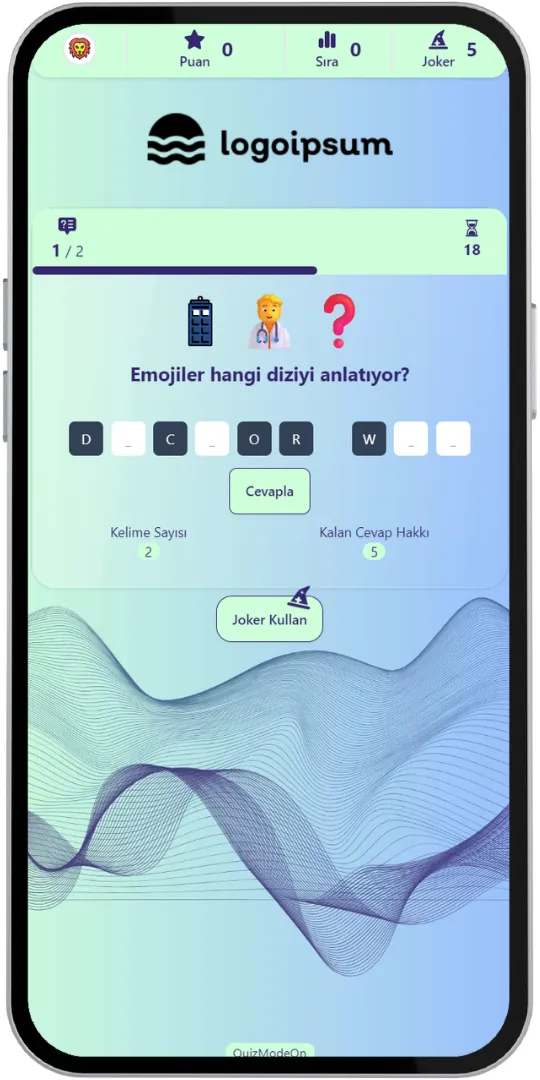
- Typing the Answer
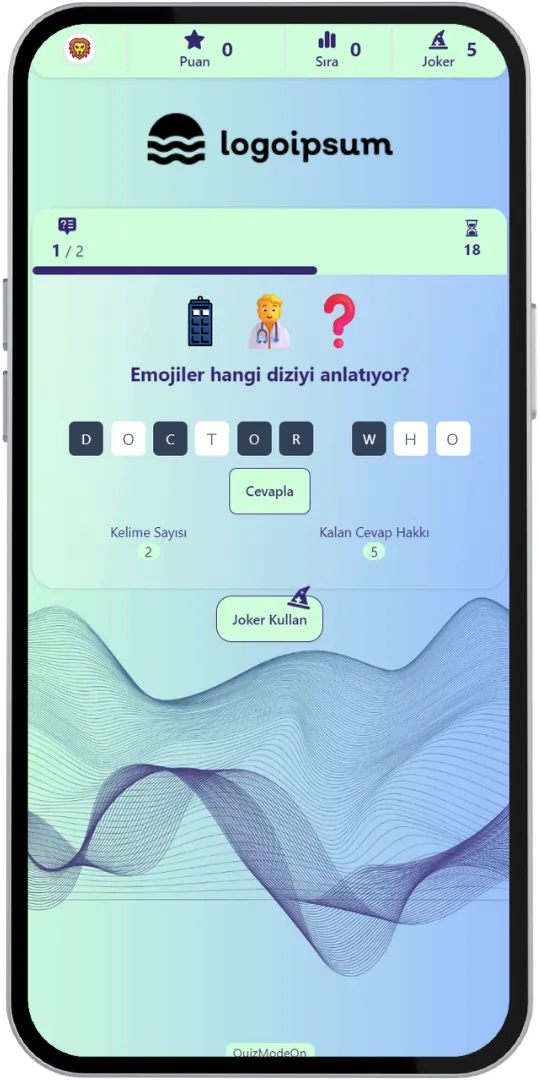
- Results (Interim)
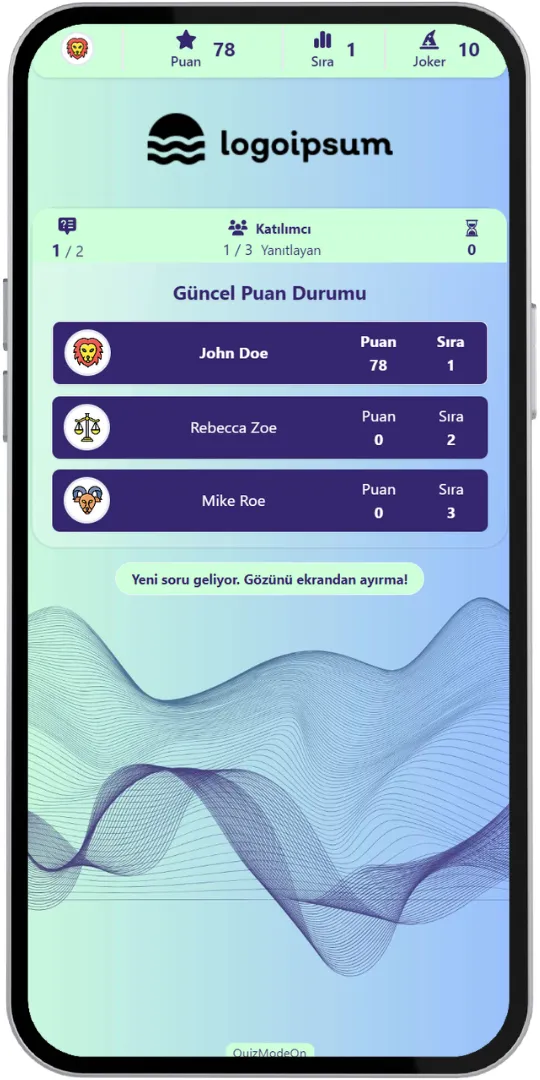
- Question (Movie)
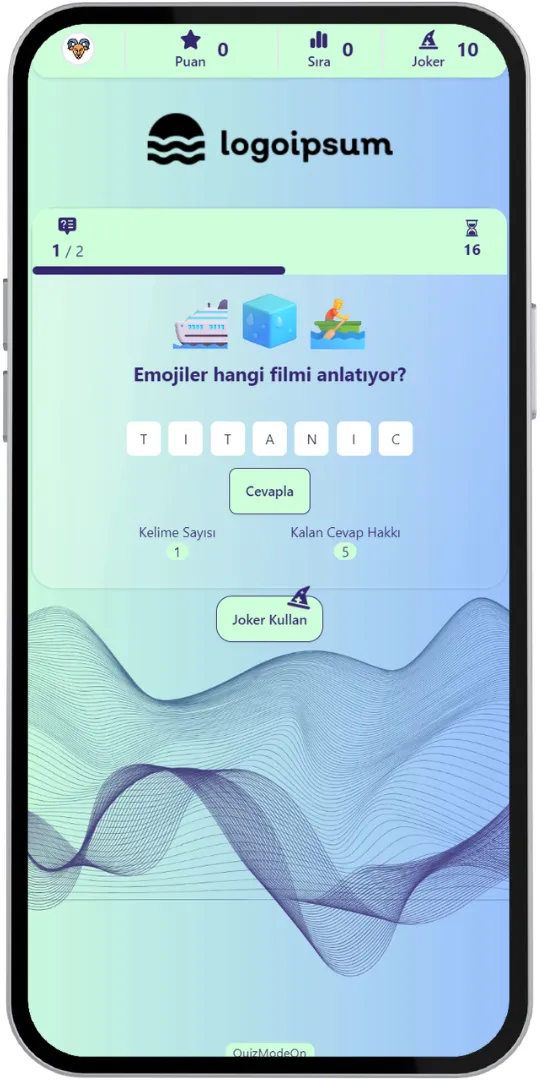
- Correct Answer
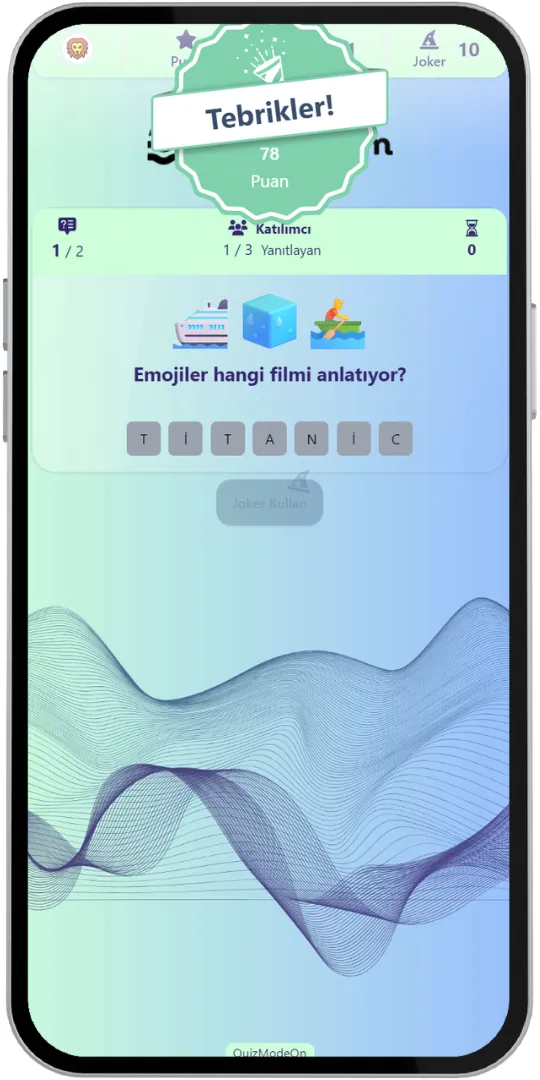
- Time Is Up
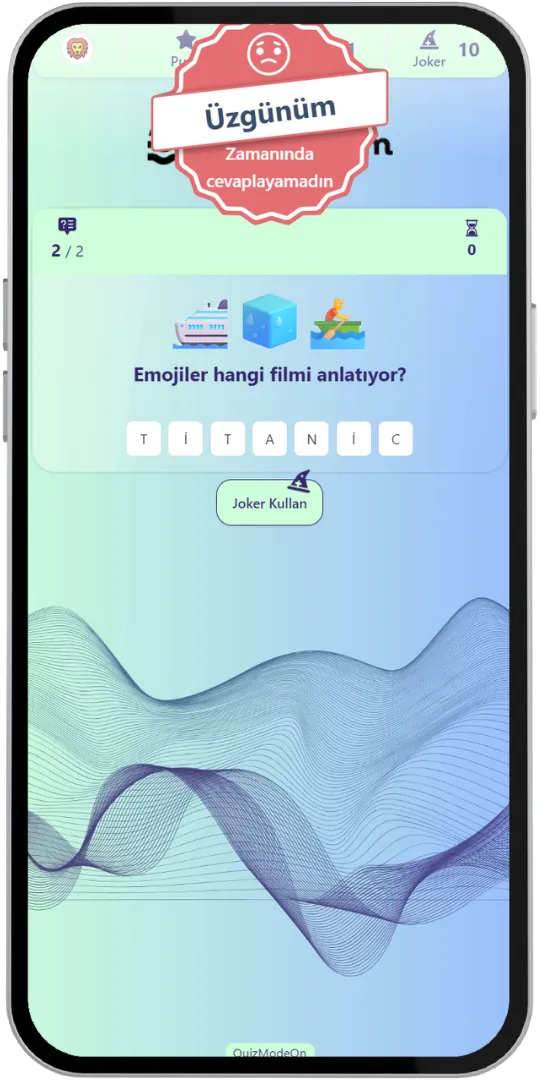
- Results (Final)
Game Modes & Unique Features
Discover various features to spice up your events.
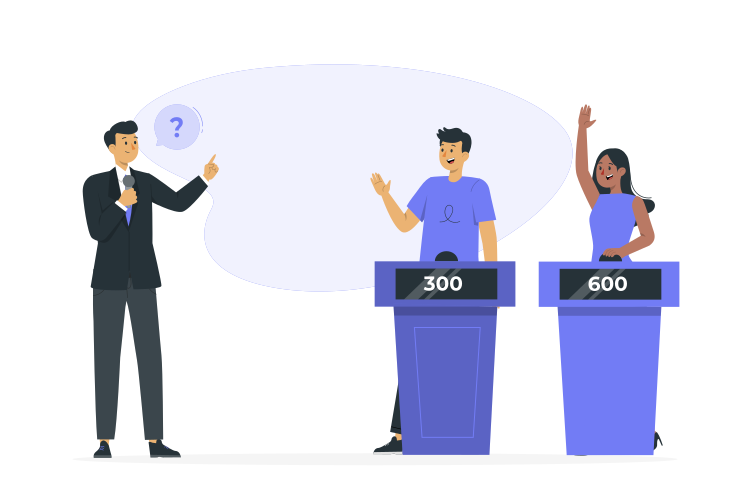
Create a Fast and Fun Guessing Game
The emojis appear one after another as clues. Participants answer as quickly as they can: the faster they answer and the fewer clues they need, the more points they earn.
Use Customized Brand Theme Feature’s Power for Emoji Quiz
Enjoy complete flexibility of QuizModeOn’s theme editor and easily apply your corporate identity by adding custom logos, brand colors, and backgrounds.
Reveal Letters with Jokers
Participants can use their jokers to reveal letters of the answer. 1 joker reveals 1 letter, and using a joker does not cost any points. It all comes down to using them at the right time!


Answer in Letter Boxes
Participants see how many words and how many letters the answer has, and type their guess with the keyboard, just like in Guess What.
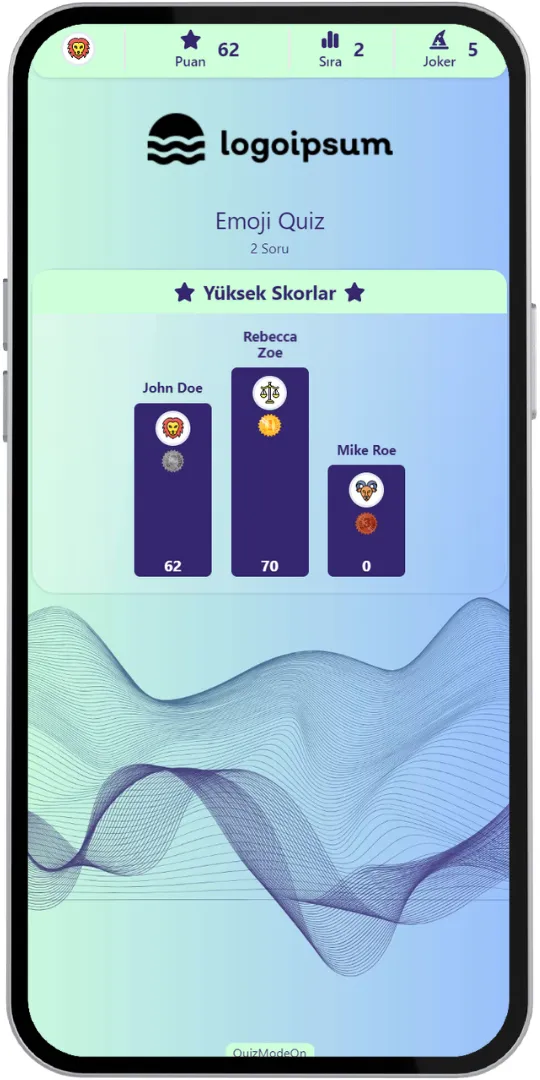
Live Scores
Score, rank and remaining jokers stay visible in the top bar. After every question the top 3 participants are shown with their total points.
Final Ranking
The final screen shows the top 3. With the “More” button participants can see the top 10 together with their own ranking.
Live or 24/7 Asynchronous
Run it live, where everyone plays together, or as a 24/7 event where participants start their own flow whenever they want.
Part of Mixed Quiz
Emoji Quiz is also one of the question formats of Mixed Quiz, together with Quiz, Guess What and True or False.
Excel Report
When the event ends, an Excel file with the participants' registration details, their answers and all other details is created.
When, Where, and Why? Use of Emoji Quiz
Create events with various combinations for all your needs.
- In-Corporate Events
- HR Recruitment
- Learning/Training
- Marketing
When
Emoji Quiz is frequently used for fun, social and brand events.
- Ice-Breaker Sessions
- Happy Hours & Parties
- Onboarding Games
- Team Meetings
- Brand Campaigns
Where
Emoji Quiz events fit both live and online activities.
- Corporate Events
- Webinars & Workshops
- Fairs & Festivals
- Celebrations
- Online Campaigns (24/7)
Why
Emoji Quiz is a light, instantly understandable game for every audience.
- Easy to Understand for Everyone
- Add Humor and Speed to Events
- Promote Friendly Competition
- Works Live and 24/7
- Reward the Fastest Players



How to Create Emoji Quiz Events?
Learn event creation progress step by step.
Create your questions: choose 2 to 8 emojis as clues, write the question (for example “Which movie do these emojis describe?”) and add the answer.
Create customized branded themes and designs that fit your corporate identity or key visuals of custom works and events.
Check and finalize your content.
Let’s set up an event for your content with some features.
- Choose the event flow: live or 24/7 asynchronous.
- Set the features of your event information, like the participant limit and the PIN code.
- Choose your audience‘s sign up options and what information you need to keep and use, and customize how participants see their login screen.
- You can use predefined avatars or create and upload custom avatars for registration.
After planning the event, it’s time to start and manage your event.
Let your audience have fun and engage. Remember that speed is a factor: quicker answers with fewer clues earn more points.
Finally, collect instant results in the Excel report and reward your audience for their success as you wish.
Emoji Quiz Alternatives
Try distinct type of events with unique dynamics and excitement levels.

Check Out Our Blog
Get inspired to discover valuable insights, tips, and strategies.
Gameplay Video
Watch our short video to learn about the basics, such as event flow and features.