LUCKY PICK A Prize Draw Managed from the Big Screen
Lucky Pick is a draw managed by the moderator or host. Load your list of participants or let them register, then press “Draw” and give the prizes away one by one, in a controlled and exciting way, with the winners shown on screen.
Lucky Pick - Event Flow
Design a more enjoyable experience with gamification dynamics.
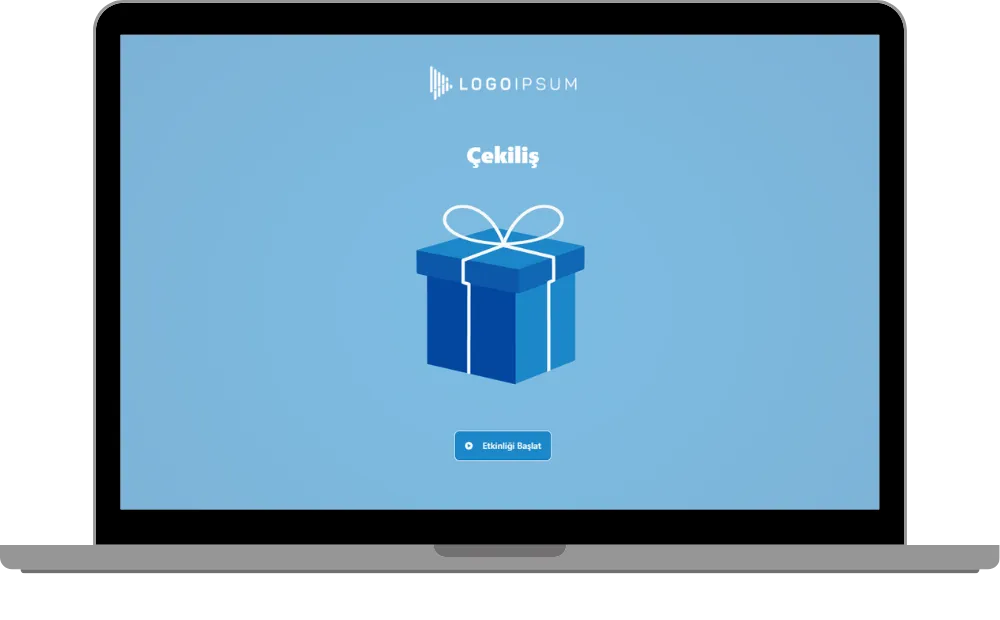
- Start Screen
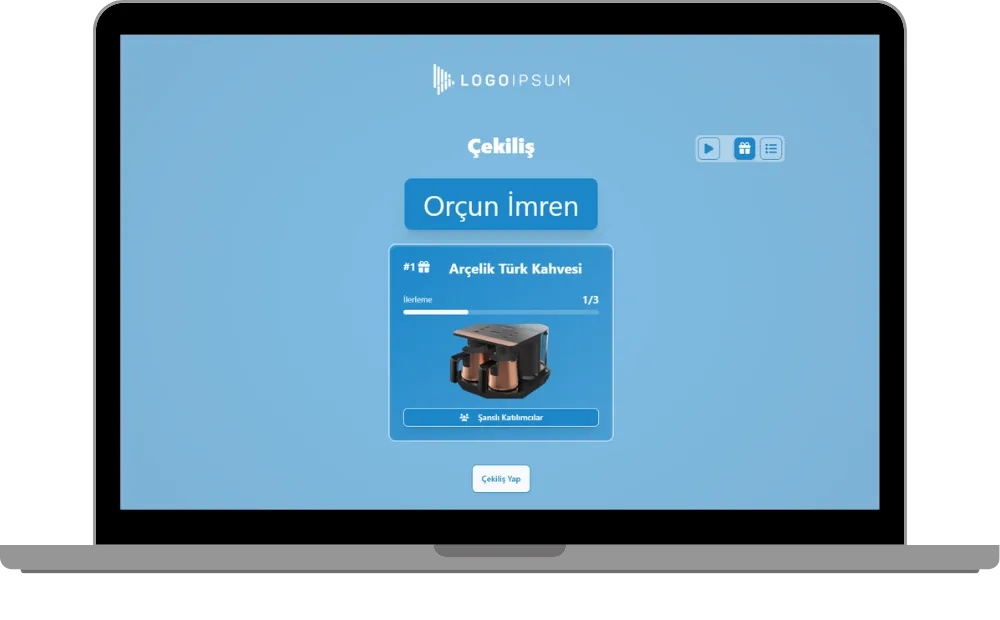
- Draw - Winner of a Prize
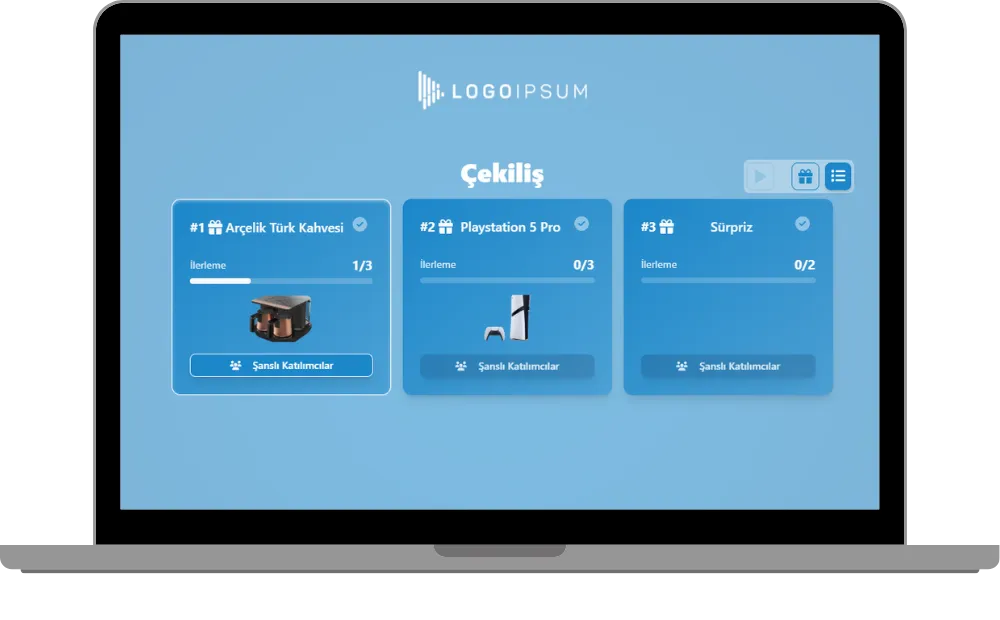
- Prize Catalog
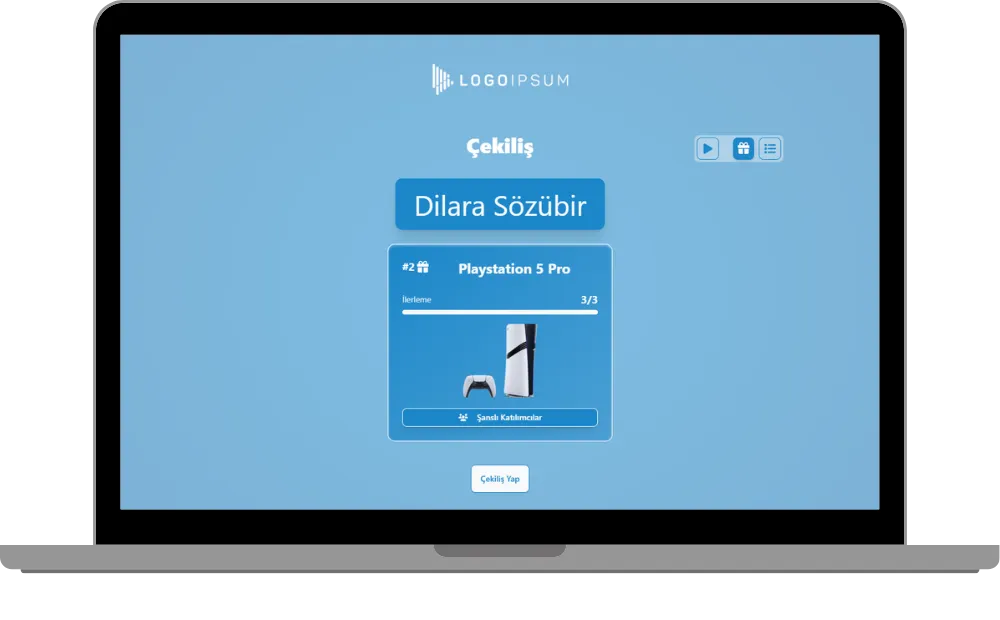
- Draw - Next Prize
- Winners List
Event Videos
See Lucky Pick in action at real corporate events.
 Watch the video: Fibabanka - New Year Prize Draw
Fibabanka
New Year Prize Draw
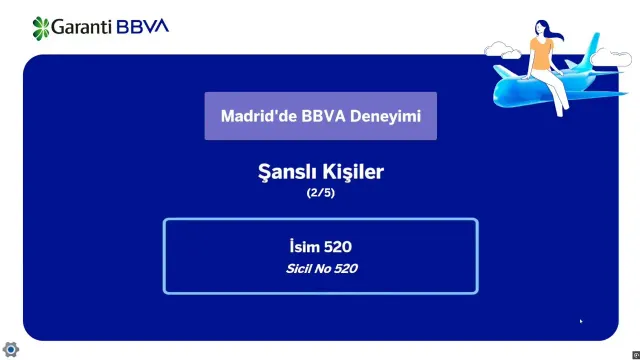 Watch the video: Garanti BBVA - Madrid Prize Draw
Garanti BBVA
Madrid Prize Draw
 Watch the video: Garanti BBVA - New Year Prize Draw
Garanti BBVA
New Year Prize Draw
Game Modes & Unique Features
Discover various features to spice up your events.
You Run the Draw, Prize by Prize
The moderator or host presses “Draw” and the next lucky participant appears on the big screen with the prize. Prizes are given out one after another, in the order you control, and the progress of each prize is shown, for example 1/3.
Use Customized Brand Theme Feature’s Power for Lucky Pick
Enjoy complete flexibility of QuizModeOn’s theme editor and easily apply your corporate identity by adding custom logos, brand colors, and backgrounds.
Two Ways to Set Up Your Participants
Upload a predefined list of participant data (name and ID) from a file, or let participants register themselves on their phones. The draw works the same way in both cases.


Predefined List
Upload your participant data (name and ID) from a list and draw winners among exactly the people you choose.
Self-Registration
Participants register themselves with a QR code or a link on their own phones, and join the draw.
Prize Catalog
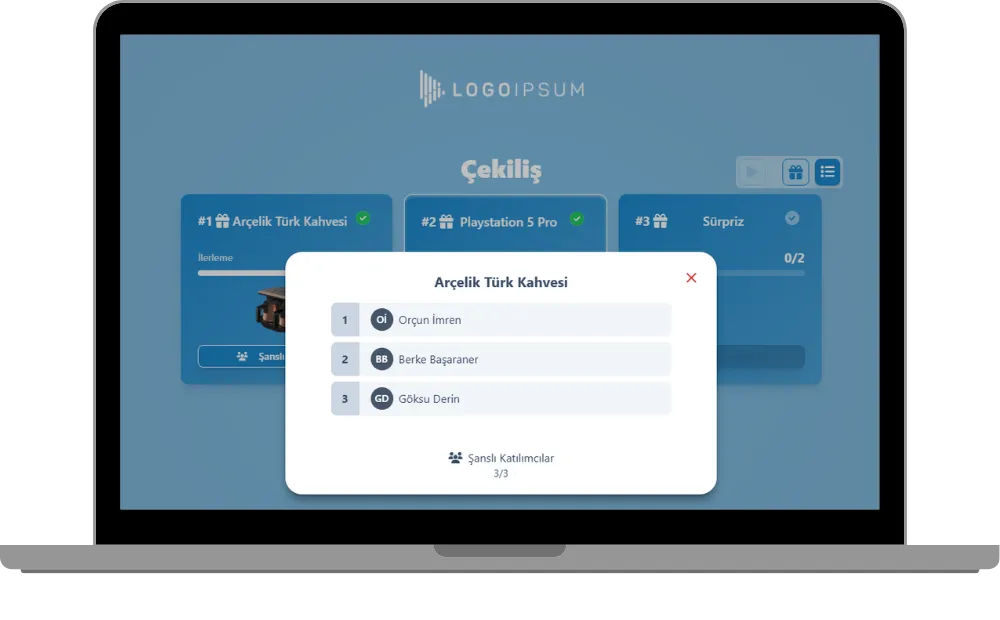
The “Catalog” button at the top right shows all prizes with their pictures and quantities, and the list of lucky winners for each prize.
Automatic Draw
With the Play icon at the top right, the draw runs automatically and much faster, which is ideal for many prizes.
Live Flow on the Big Screen
Lucky Pick is a live event: the moderator or host manages it on the big screen and everybody watches the winners appear.
Winners List
At any time you can open the list of winners of each prize, with the number of winners drawn so far.
When, Where, and Why? Use of Lucky Pick
Create events with various combinations for all your needs.
- In-Corporate Events
- HR Recruitment
- Learning/Training
- Marketing
When
Lucky Pick is frequently used for giveaways and celebrations.
- Year-End and New Year Events
- Company Anniversaries and Galas
- Sponsor and Campaign Giveaways
- Employee Appreciation Events
- End of a Game Night
Where
Lucky Pick is best on a big screen in front of a crowd.
- Corporate Events
- Celebrations & Parties
- Fairs & Festivals
- Conferences & Congresses
- Hybrid Events
Why
Lucky Pick makes the draw fair, visible and exciting.
- Draw Winners in Front of Everyone
- Control the Order of the Prizes
- Use Your Own List or Open Registration
- Check All Winners in the Catalog
- Speed Up with the Automatic Draw


How to Create Lucky Pick Events?
Learn event creation progress step by step.
Add your prizes with their pictures and quantities.
Choose how participants are set up: upload a predefined list (name and ID) or let participants register themselves.
Create customized branded themes and designs that fit your corporate identity or key visuals of custom works and events.
Check and finalize your content.
Let’s set up an event for your content with some features.
- Lucky Pick is played as a live event managed by the moderator or host.
- Set the features of your event information, like the participant limit and the PIN code.
After planning the event, it’s time to start and manage your event.
Press “Draw” to give the prizes away one by one, or use the Play icon for an automatic draw. Open the catalog at any time to see the winners.
Lucky Pick Alternatives
Try distinct type of events with unique dynamics and excitement levels.
Check Out Our Blog
Get inspired to discover valuable insights, tips, and strategies.
Gameplay Video
Watch our short video to learn about the basics, such as event flow and features.