Scenario 1: Winter
- 1
What is your favorite season?
- Winter
- Summer
- 2
Where would you prefer to go in winter?
- Mountain house
- Ski holiday
- 3
Where would you like to go for your ski holiday?
- Uludağ
- Palandöken
Thank you for sharing!
Unlike a regular poll, the next question depends on the answer given. In a live event the option chosen by the majority decides the next question for everyone; in a 24/7 event each participant's own answer decides their path.
Two possible scenarios of the same poll: the answers decide which questions come next.
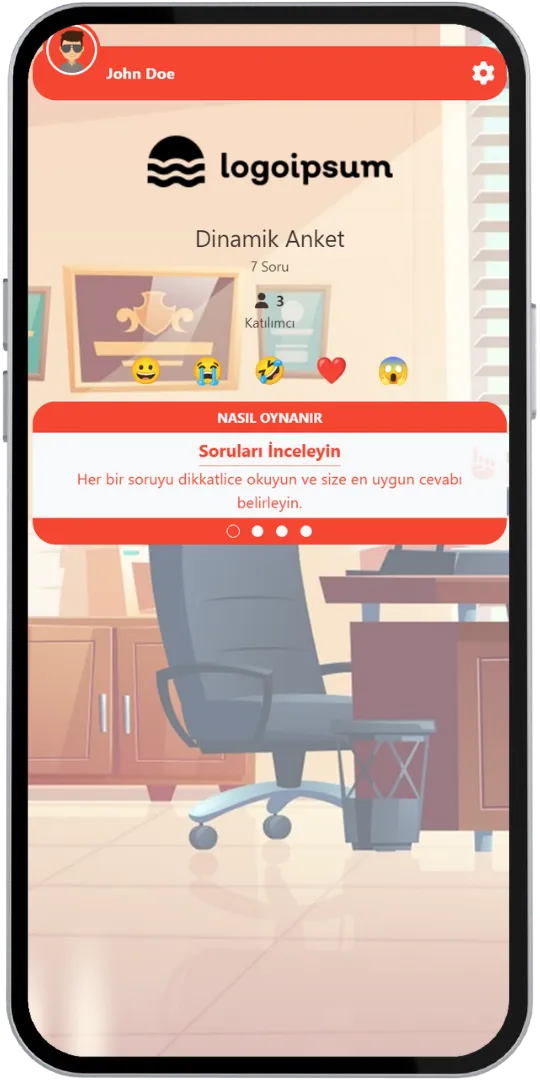
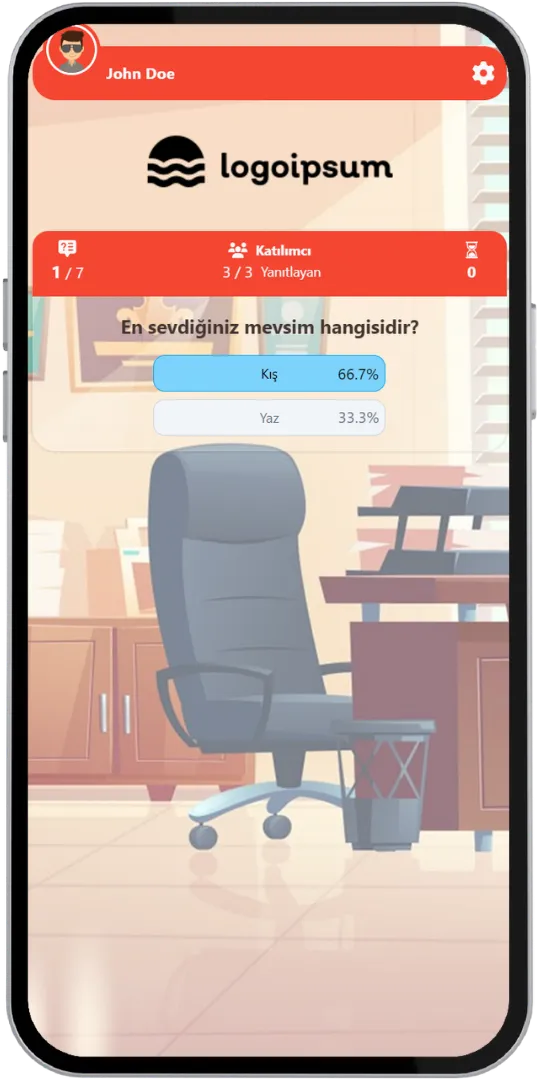
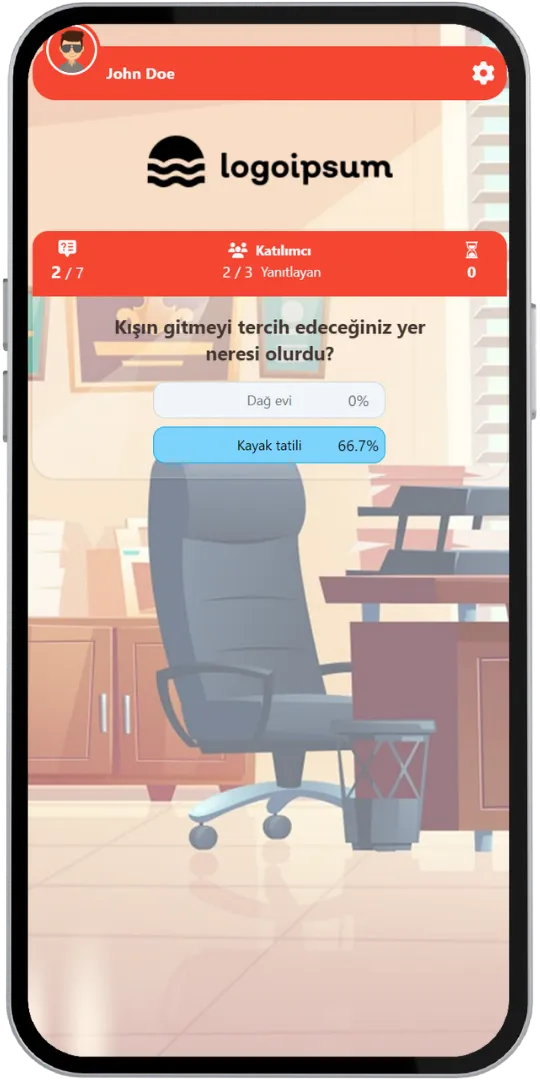
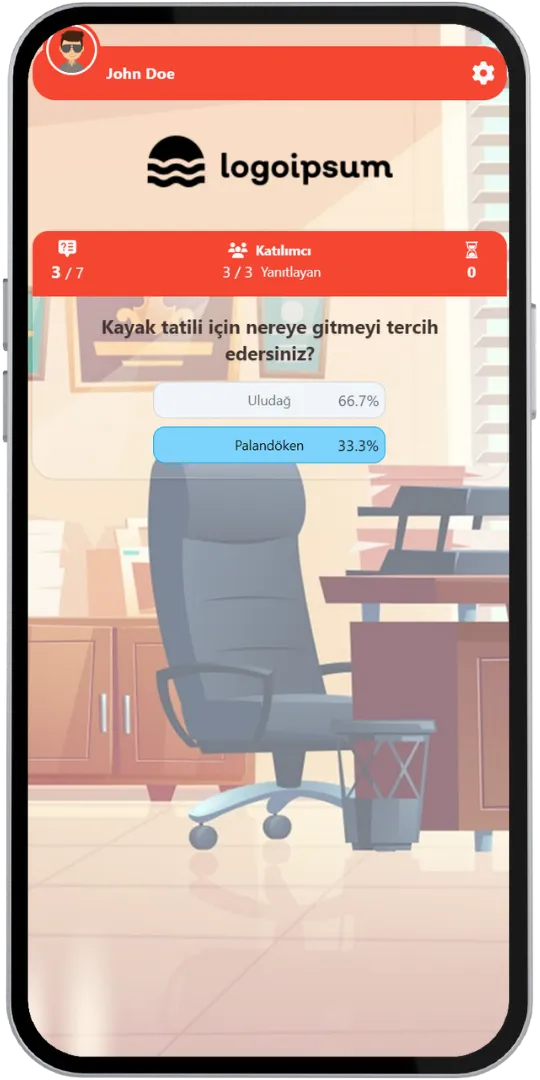
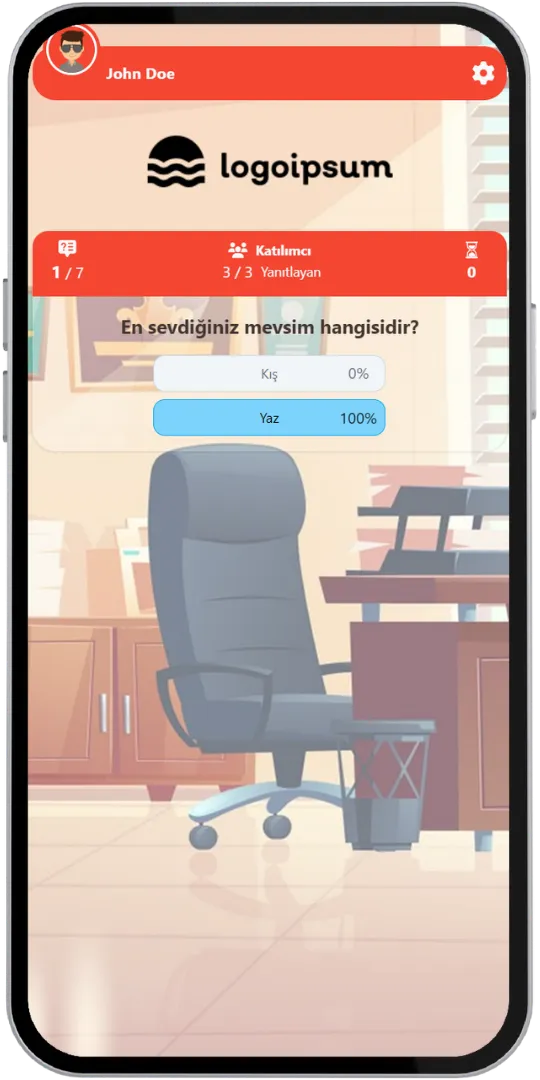
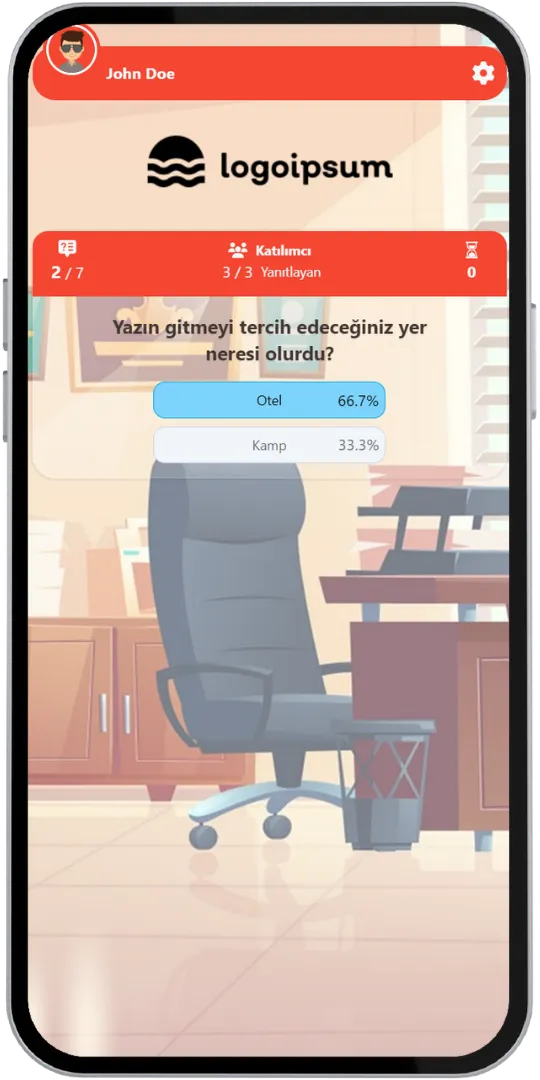
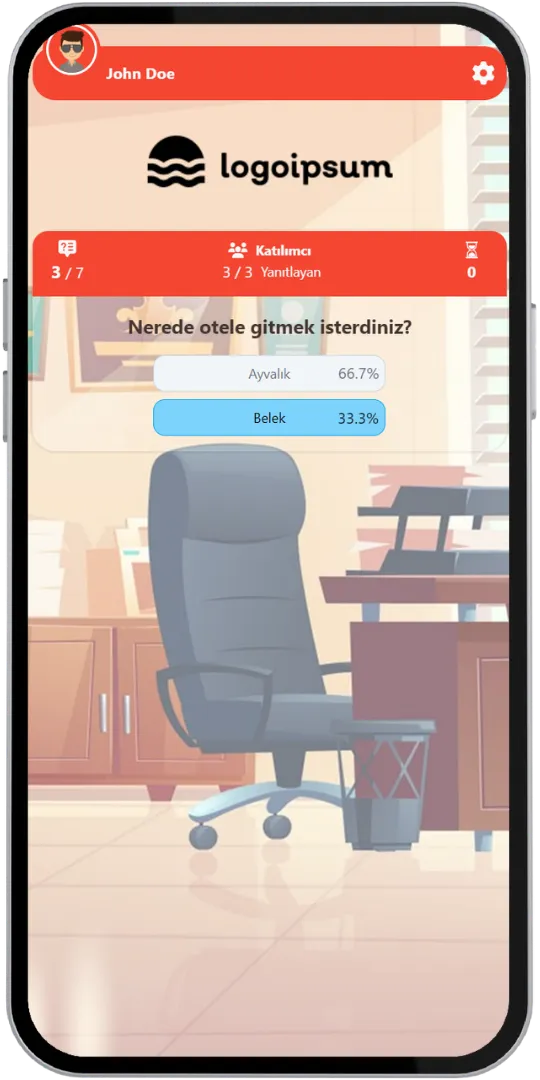
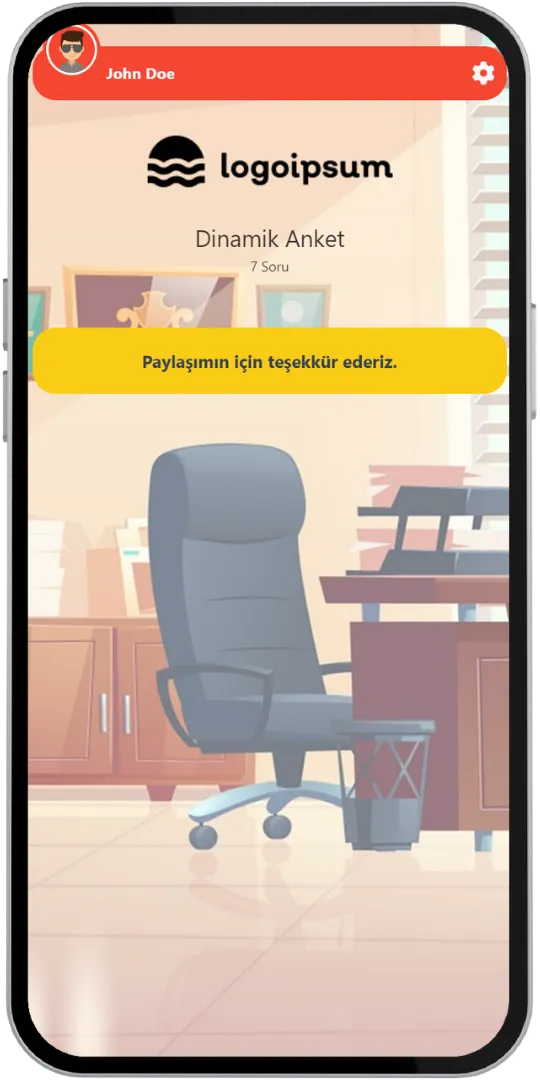
See how the same poll takes participants on different paths. The answer decides the next question.
What is your favorite season?
Where would you prefer to go in winter?
Where would you like to go for your ski holiday?
Thank you for sharing!
What is your favorite season?
Where would you prefer to go in summer?
Where would you like your hotel to be?
Thank you for sharing!
Same poll, different questions: the first answer sends “Winter” voters to ski destinations and “Summer” voters to hotels. In a live event the option most participants choose decides the next question for everyone; in a 24/7 event each person follows their own path.
Dynamic Poll is also an ideal option for team decision-making mechanisms and group voting.
Discover various features to spice up your events.
Each answer leads to a different next question, so a poll can go from “Winter” to “Ski holiday” to “Palandöken”, or from “Summer” to “Hotel” to “Belek”. Every path asks only the questions that make sense.
In a live event the most chosen option decides the next question for all participants, and the percentages are shown after every question. In a 24/7 event the next question is decided by the participant's own answer.
Enjoy complete flexibility of QuizModeOn’s theme editor and easily apply your corporate identity by adding custom logos, brand colors, and backgrounds.
Every question can have between 2 and 8 answer options, and each option can lead to its own next question.
In live events, after each question participants see what percentage of the group chose each option.
The option marked by the highest percentage decides the next question for all participants.
In an asynchronous event, the next question is decided by the participant's own answer, so everyone follows a path that fits them.
The event flow can be arranged in two ways: live, where all participants answer together, or 24/7, where they join whenever they want.
When the event ends, an Excel file with the participants' registration details, their answers and response times is created.
Create events with various combinations for all your needs.
Dynamic Poll is frequently used for research, feedback and decision-making.
Dynamic Poll works live in the room or online at any time.
Dynamic Poll asks only the questions that matter to each audience.
Learn event creation progress step by step.
Create your questions with 2 to 8 answer options each.
Decide which question follows each answer, so the poll branches the way you plan.
Create customized branded themes and designs that fit your corporate identity or key visuals of custom works and events.
Check and finalize your content.
Let’s set up an event for your content with some features.
After planning the event, it’s time to start and manage your event.
Finally, collect the results in the Excel report: registration details, answers and response times.
Try distinct type of events with unique dynamics and excitement levels.
Get inspired to discover valuable insights, tips, and strategies.
Watch our short video to learn about the basics, such as event flow and features.