PRIZE WHEEL Spin the Wheel, Win a Prize
Prize Wheel gives every participant a wheel with prizes shown as pictures. They press “Spin the Wheel” and win what the wheel stops on, while you control the stock and the distribution rules. Perfect for campaigns, stands, festivals and customer events.
Prize Wheel - Event Flow
Design a more enjoyable experience with gamification dynamics.
- Participant Login (Prize Event)
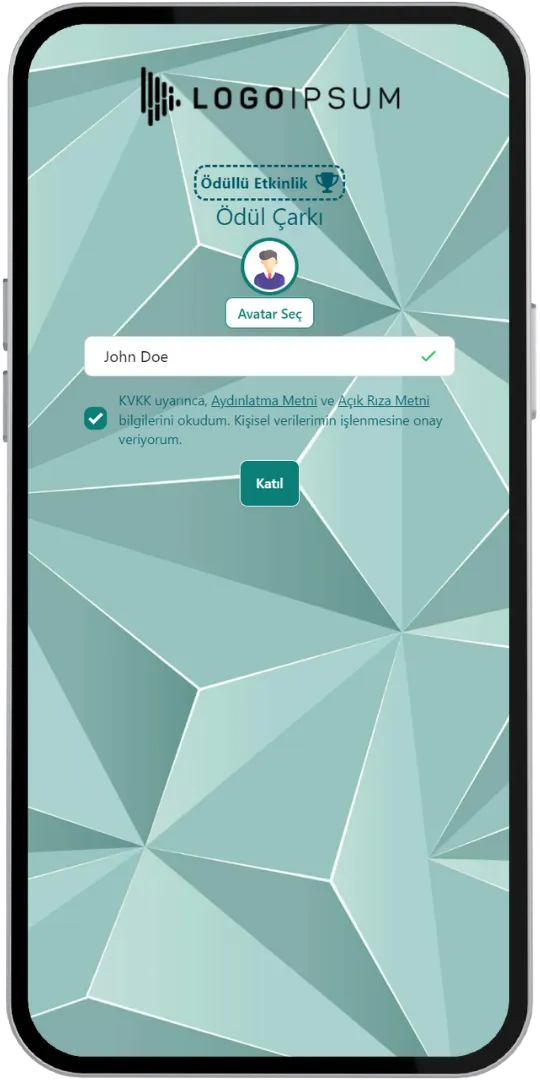
- Spinning the Wheel (With Prize Pictures)
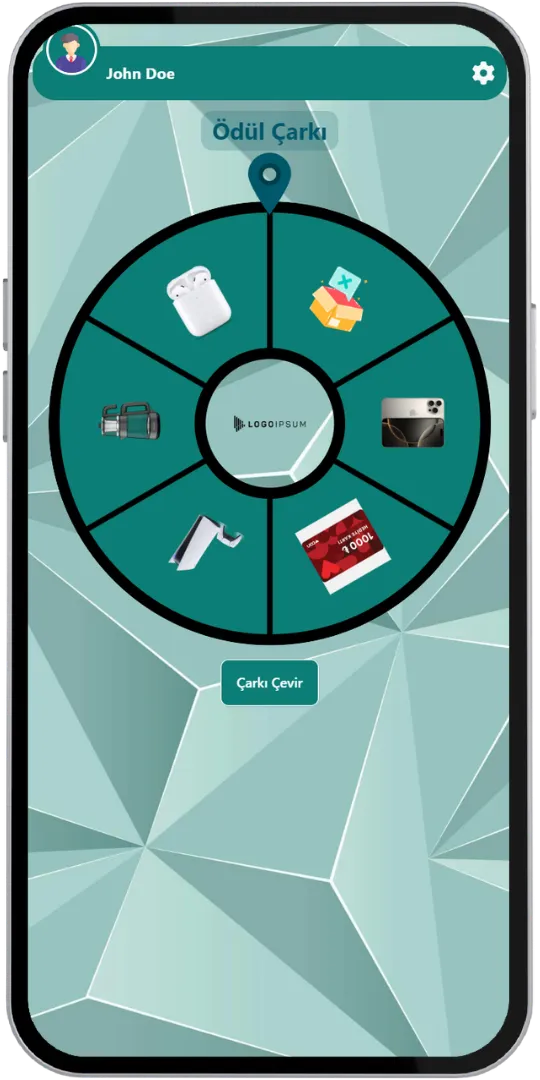
- Spinning the Wheel (Without Pictures)
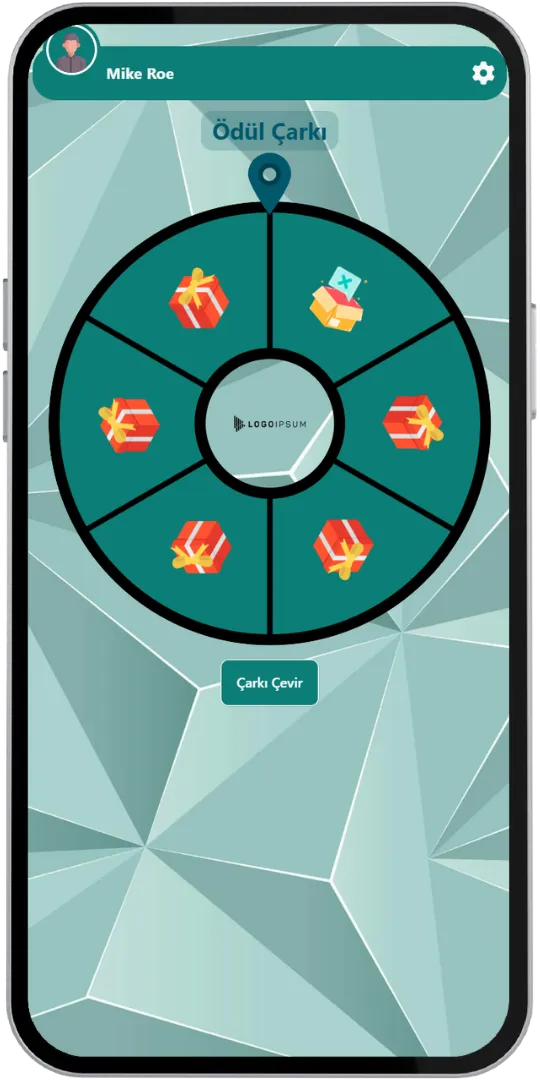
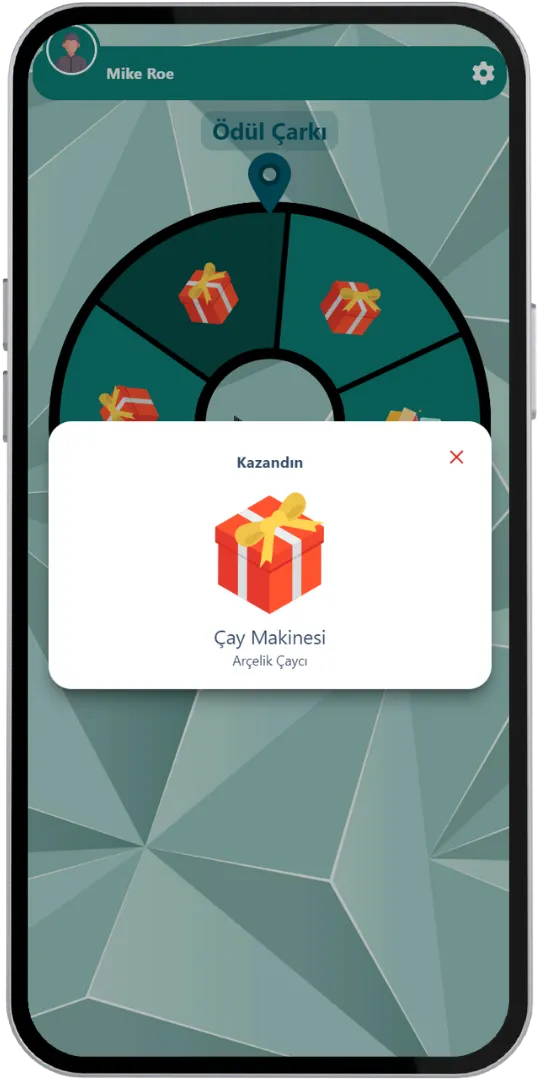
- Result (You Won)
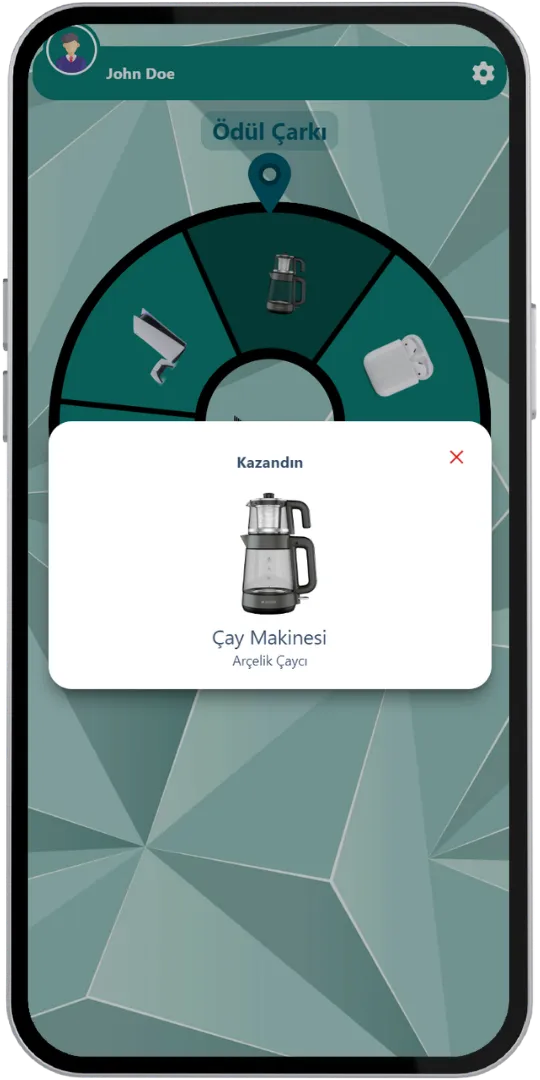
- Result (You Won, Gift)
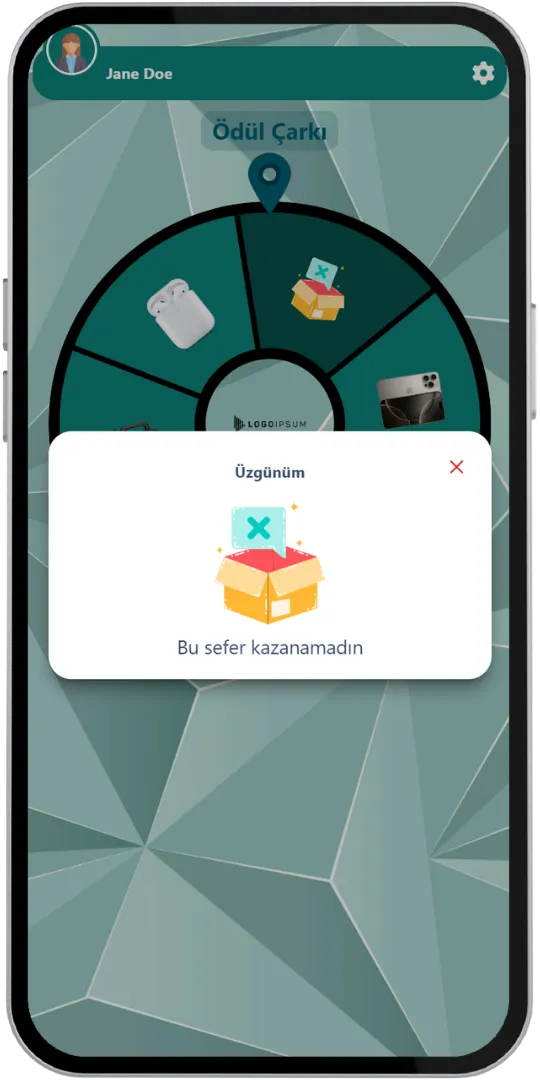
- Result (Not This Time)
Game Modes & Unique Features
Discover various features to spice up your events.
Make Every Spin a Moment to Remember
Each participant logs in on their own, a wheel full of prize pictures appears, and they press “Spin the Wheel”. The wheel stops on one of the prizes and a pop-up tells them what they won, with the prize picture and name. No moderator is needed.
Stock Management and Your Own Distribution Rules
With our stock management and distribution algorithm you can define both the number of prizes and the distribution rules as you wish. Set the order in which prizes are given, or make it completely random.
Use Customized Brand Theme Feature’s Power for Prize Wheel
Enjoy complete flexibility of QuizModeOn’s theme editor and easily apply your corporate identity by adding custom logos, brand colors, and backgrounds. The logo sits in the middle of the wheel.



Prizes as Pictures
The options on the wheel are shown as pictures, so participants see exactly what they can win.
Up to 20 Slices
The wheel can have up to 20 slices, so a single wheel can hold many different prizes.
Stock and Distribution Rules
Define the number of each prize and how prizes are distributed, in a set order or completely at random.
“No Prize” Option
If you do not want to give a prize to every participant, use the “no prize” feature. Participants who do not win see a friendly “Not this time” screen.
24/7 Asynchronous, No Moderator
Prize Wheel only runs as a 24/7 event and nobody has to manage it: every participant joins, spins their own wheel and wins their own prize. This suits campaigns, stands and festivals.
Excel Report
When the event ends, an Excel file with the participants' registration details and the results of their spins is created.
When, Where, and Why? Use of Prize Wheel
Create events with various combinations for all your needs.
- In-Corporate Events
- HR Recruitment
- Learning/Training
- Marketing
When
Prize Wheel is frequently used for campaigns and giveaways.
- Product Launch Campaigns
- Customer Loyalty Rewards
- Employee of the Month Style Events
- Sponsor Giveaways
- Brand Awareness Activities
Where
Prize Wheel is best for stands, festivals and customer events.
- Fairs & Trade Shows
- Festivals & Concerts
- Stores & Dealer Events
- Celebrations
- Corporate Events
Why
Prize Wheel makes reaching your audience exciting and measurable.
- Reach Your Target Audience
- Give Away Prizes in a Controlled Way
- Maximize Your Brand Awareness
- Collect Participant Data for Your Campaign
- Track Every Spin in the Excel Report



How to Create Prize Wheel Events?
Learn event creation progress step by step.
Add your prizes with pictures: up to 20 slices on the wheel.
Define the stock of each prize and the distribution rules: a set order or completely random. Use the “no prize” feature if not everyone should win.
Create customized branded themes and designs that fit your corporate identity or key visuals of custom works and events.
Check and finalize your content.
Let’s set up an event for your content with some features.
- Prize Wheel only runs as a 24/7 asynchronous event and no moderator manages it: every participant joins, spins their own wheel and wins their own prize.
- Set the features of your event information, like the participant limit and the PIN code.
- Choose your audience‘s sign up options and what information you need to keep and use, and customize how participants see their login screen.
After planning the event, it’s time to start and manage your event.
Let your audience spin and win. Every result is collected in the Excel report.
Prize Wheel Alternatives
Try distinct type of events with unique dynamics and excitement levels.
Check Out Our Blog
Get inspired to discover valuable insights, tips, and strategies.
Gameplay Video
Watch our short video to learn about the basics, such as event flow and features.