MIXED QUIZ Four Question Types in One Quiz
Mixed Quiz lets you mix Quiz (multiple choice), Guess What, True or False and Emoji Quiz questions in the same event. Faster answers earn more points, and jokers adapt to the type of question, so the game never gets repetitive.
Mixed Quiz - Event Flow
Design a more enjoyable experience with gamification dynamics.
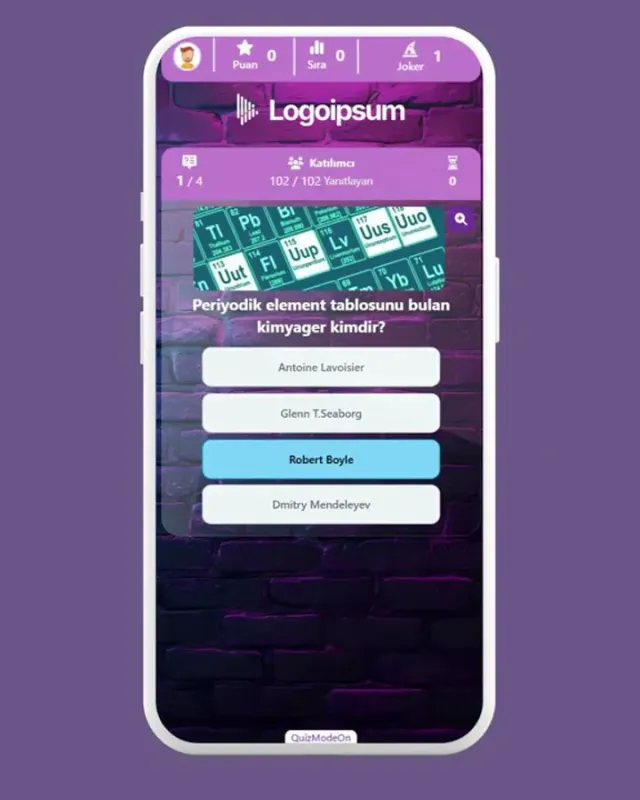
- Question (Quiz)
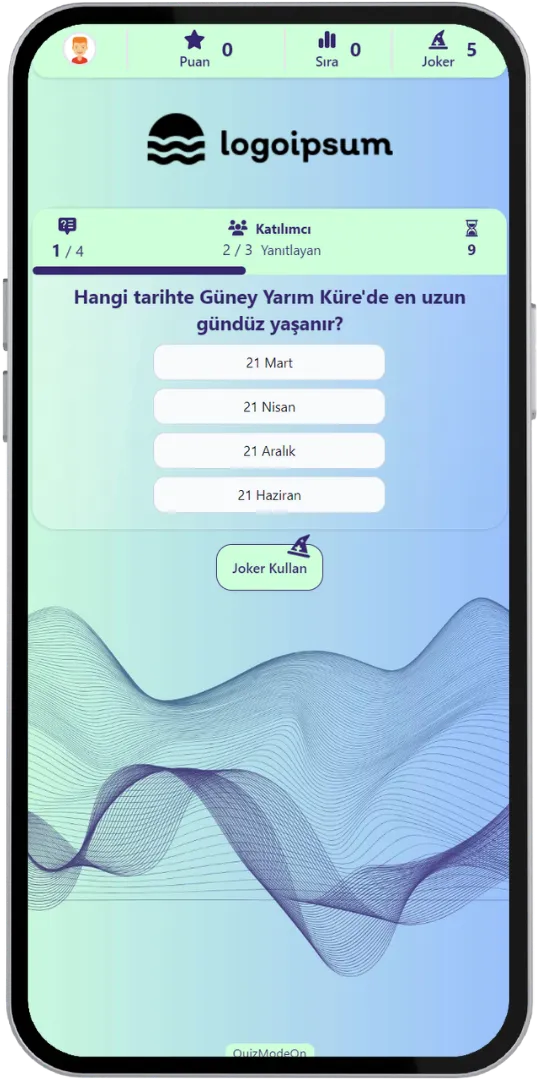
- Correct Answer
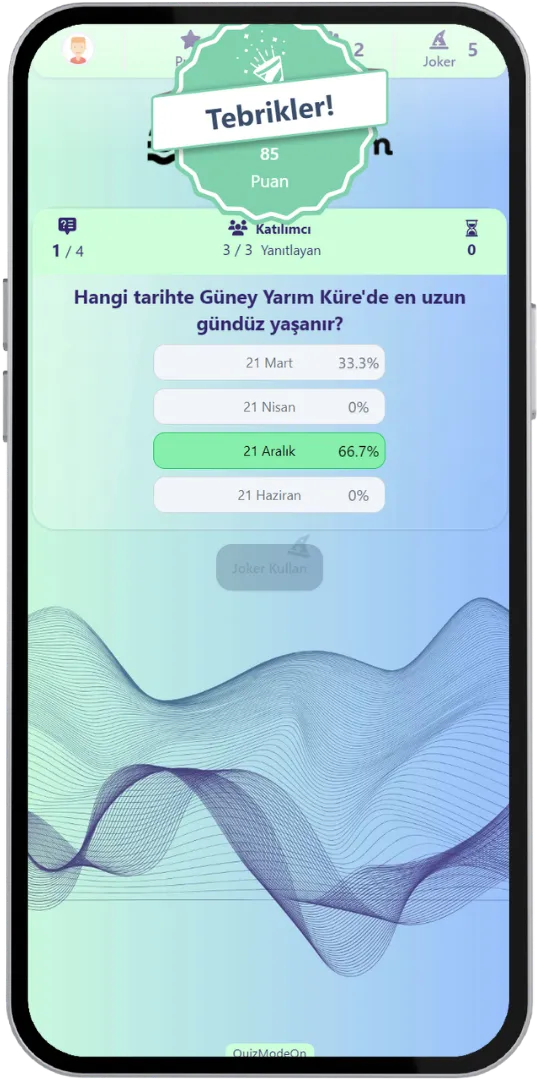
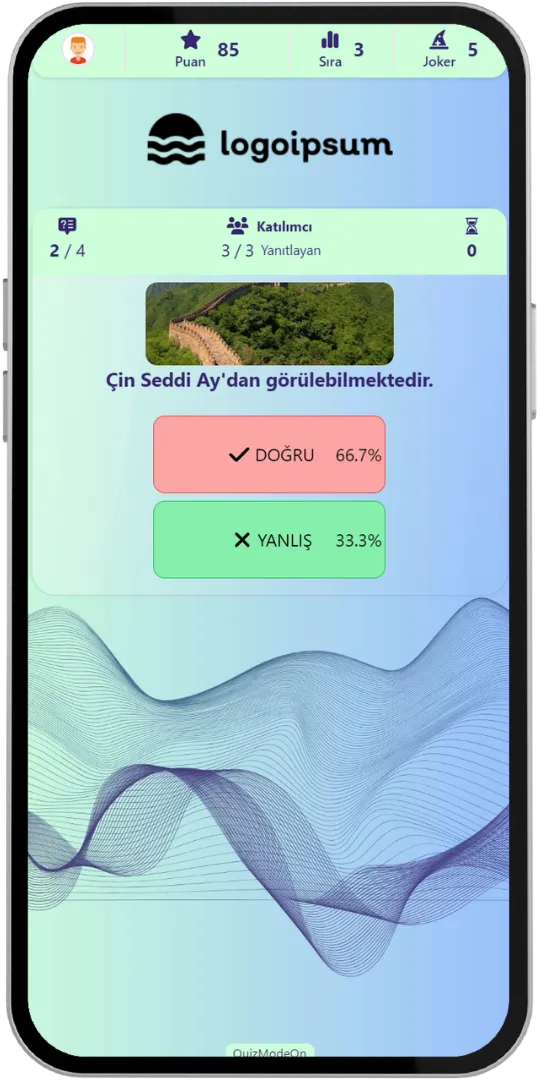
- Question (True or False)
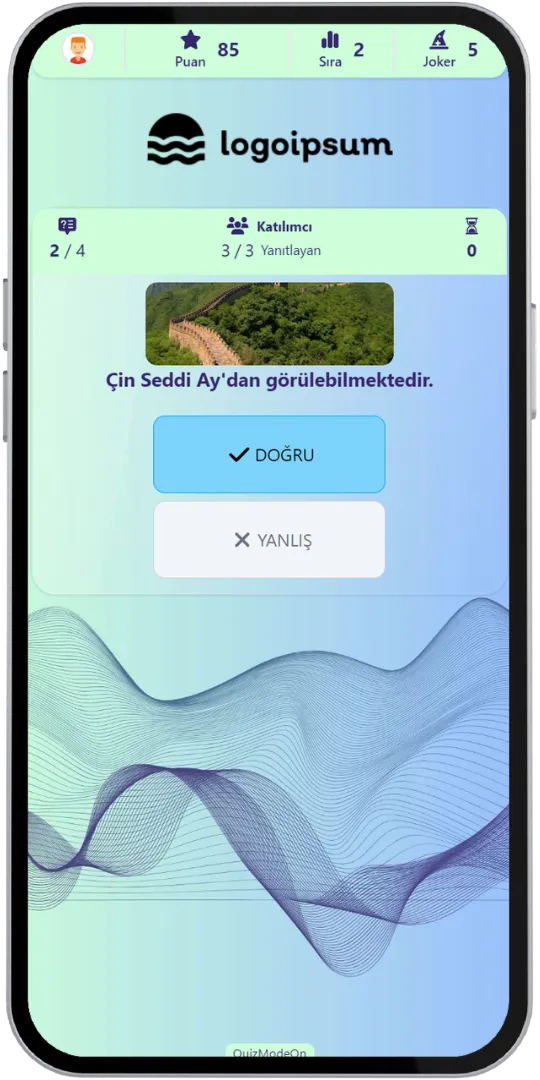
- Result (True or False)
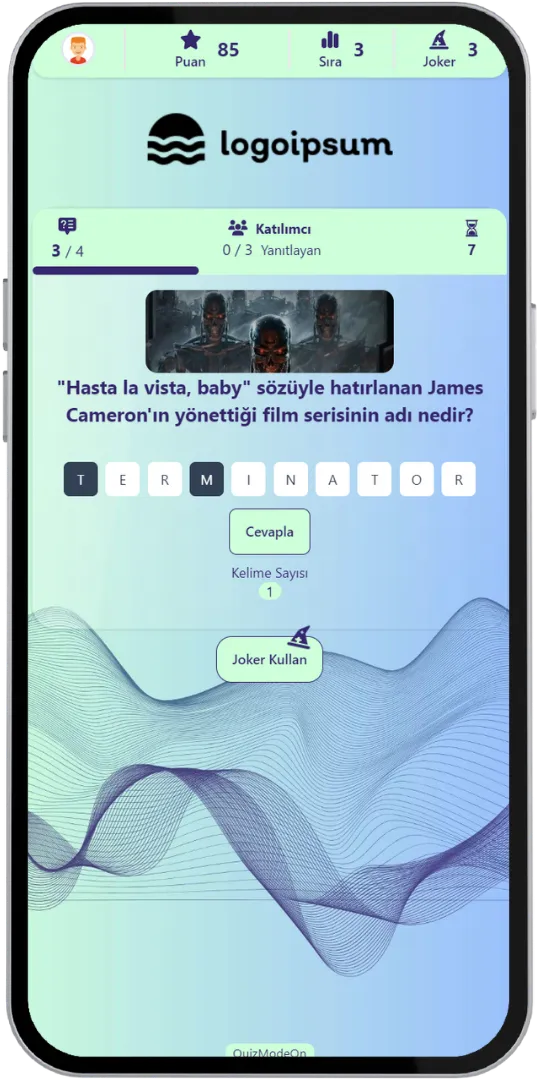
- Question (Guess What)
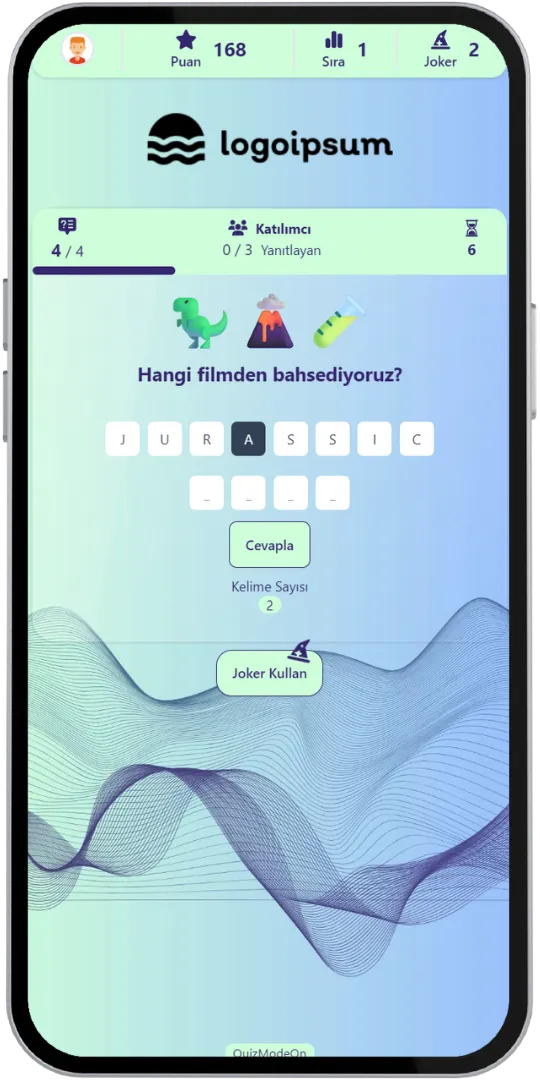
- Question (Emoji Quiz)
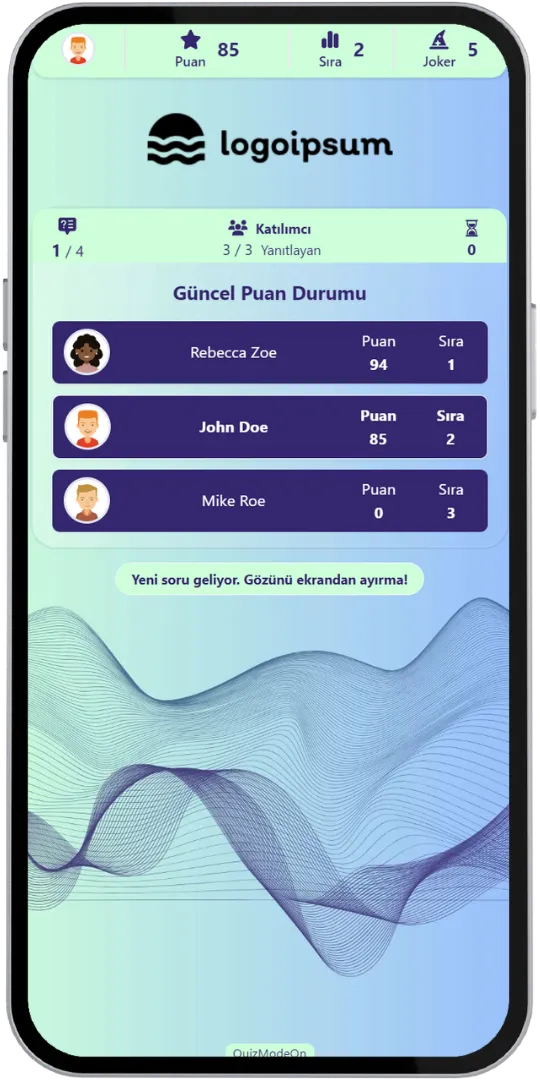
- Results (Interim)
- Results (Final)
Game Modes & Unique Features
Discover various features to spice up your events.
Mix Four Question Formats in One Quiz
A multiple-choice question, then a true or false, a word to guess from letter boxes and an emoji puzzle: every question can be a different format, which keeps participants curious about what comes next.
Use Customized Brand Theme Feature’s Power for Mixed Quiz
Enjoy complete flexibility of QuizModeOn’s theme editor and easily apply your corporate identity by adding custom logos, brand colors, and backgrounds.
Jokers That Adapt to the Question
Participants use their jokers differently depending on the question type: in a Guess What question a joker reveals a letter, in a Quiz question it removes 50% of the wrong options. Using a joker never costs points.


Four Question Formats
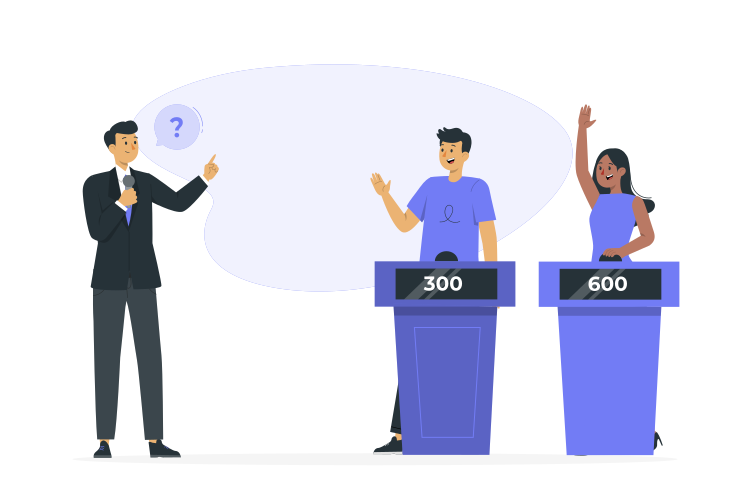
Choose between Quiz (multiple choice), Guess What, True or False and Emoji Quiz questions for every question.
Speed Earns Points
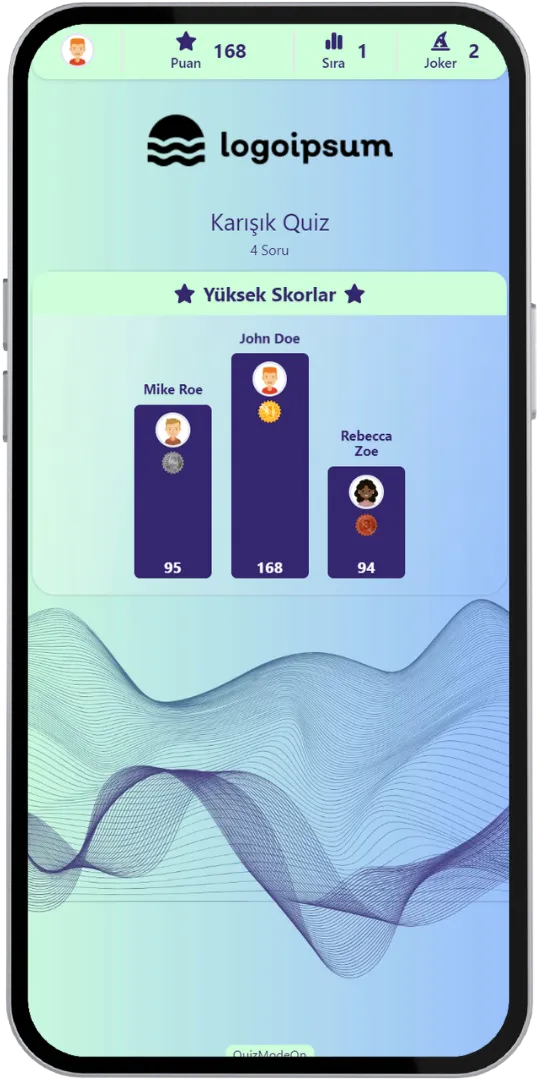
Participants answer within the time given for each question. Faster answers earn extra points, and the live score is shown in the top bar.
Top 3 After Every Question
After every question and at the end of the game the top 3 participants are shown with their current points. With the “More” button on the final screen, participants can see the top 10 and their own ranking.
Live or 24/7 Asynchronous
Run it live, where everyone plays together, or as a 24/7 event where participants play whenever they want.
Lobby Fun
While waiting in the lobby, participants send emojis to each other and read short how-to-play tips.
Detailed Excel Report
An Excel file with registration details, answers, response times, correct, wrong and blank answers and the questions where jokers were used is created when the event ends.
When, Where, and Why? Use of Mixed Quiz
Create events with various combinations for all your needs.
- In-Corporate Events
- HR Recruitment
- Learning/Training
- Marketing
When
Mixed Quiz is frequently used for learning, onboarding and fun competitions.
- Onboarding
- Product and Company Knowledge
- Training Sessions
- Team Competitions
- Brand Campaigns
Where
Mixed Quiz works live in the room or online at any time.
- Corporate Events
- Workshops & Webinars
- Team Meetings
- Celebrations & Parties
- Online Campaigns (24/7)
Why
Mixed Quiz keeps every round fresh.
- Keep Participants Curious
- Test Knowledge in Different Ways
- Add Speed and Excitement
- Reward the Fastest Players
- Collect Detailed Results in Excel



How to Create Mixed Quiz Events?
Learn event creation progress step by step.
Create your questions and choose a format for each question: Quiz, Guess What, True or False or Emoji Quiz.
Create customized branded themes and designs that fit your corporate identity or key visuals of custom works and events.
Check and finalize your content.
Let’s set up an event for your content with some features.
- Choose the event flow: live or 24/7 asynchronous.
- Set the features of your event information, like the participant limit and the PIN code.
- Choose your audience‘s sign up options and what information you need to keep and use, and customize how participants see their login screen.
After planning the event, it’s time to start and manage your event.
Let your audience have fun. Remember that speed is a factor: quicker correct answers earn more points.
Mixed Quiz Alternatives
Try distinct type of events with unique dynamics and excitement levels.

Check Out Our Blog
Get inspired to discover valuable insights, tips, and strategies.
Gameplay Video
Watch our short video to learn about the basics, such as event flow and features.