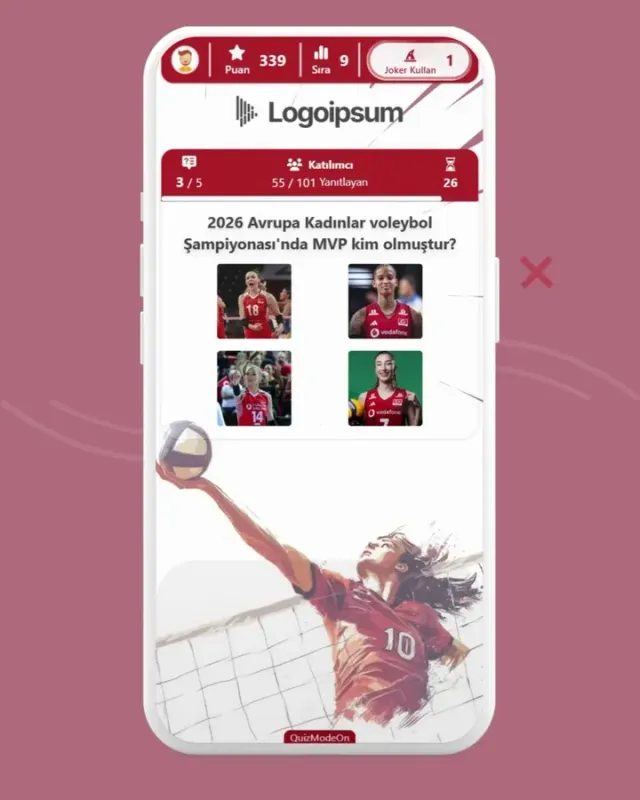
QUIZ Fun & Engaging Way to Test Knowledge
Create enjoyable and engaging quizzes to boost the interaction among your participants while testing their knowledge or kick off your event with a fun ice-breaker session to foster new connections. Increase the excitement with jokers, and add variety with features like team play and tournament mode. Take the competition to the next level by rewarding top-scorers during the event.
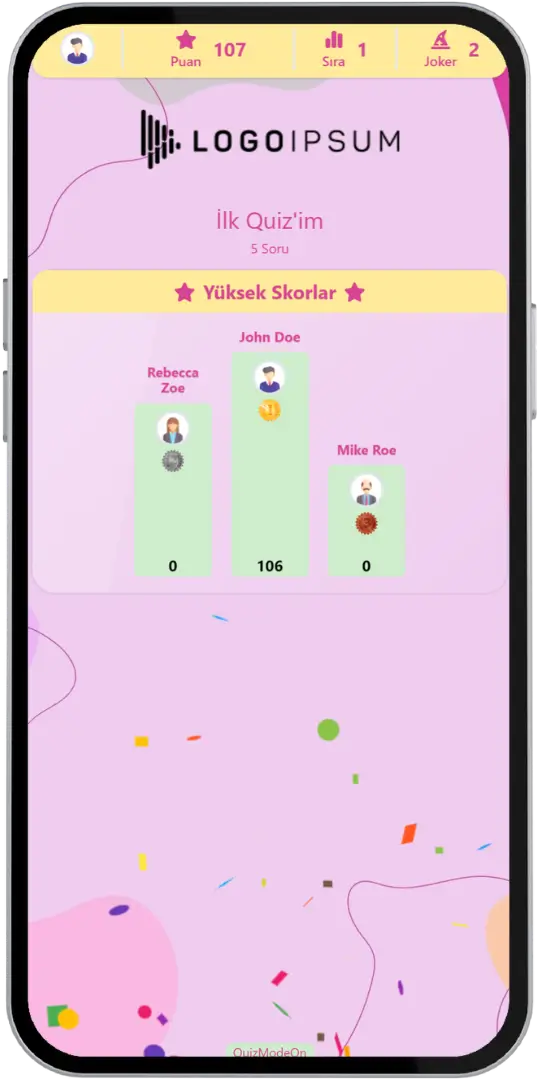
Quiz - Event Flow
Design a more enjoyable experience with gamification dynamics.
- Participant Login
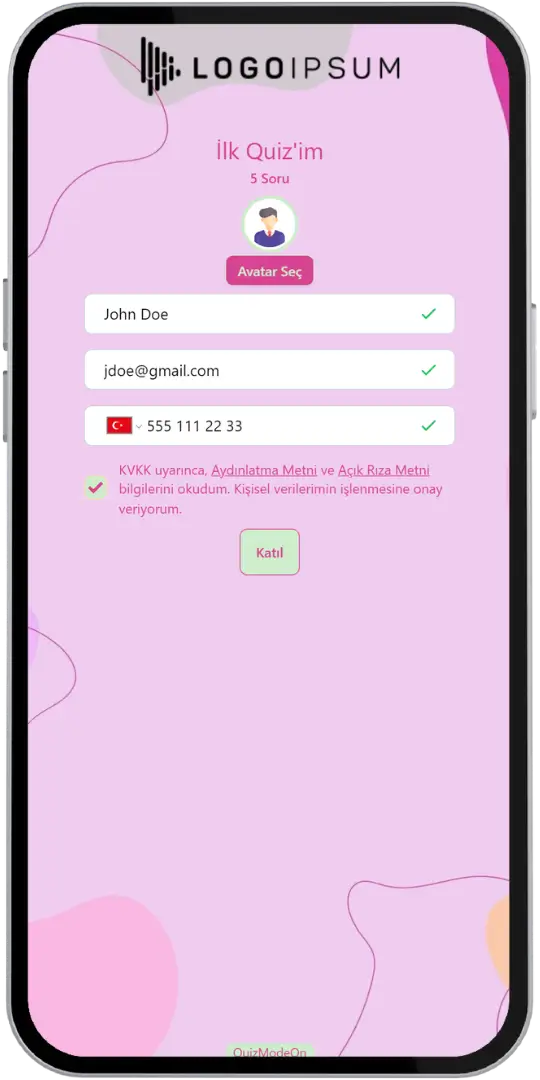
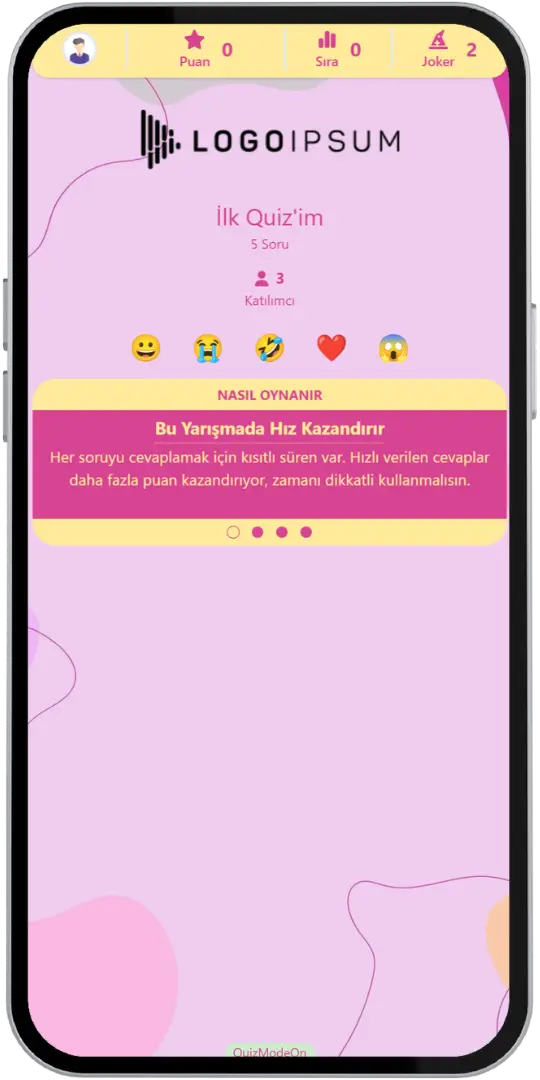
- Lobby (Waiting)
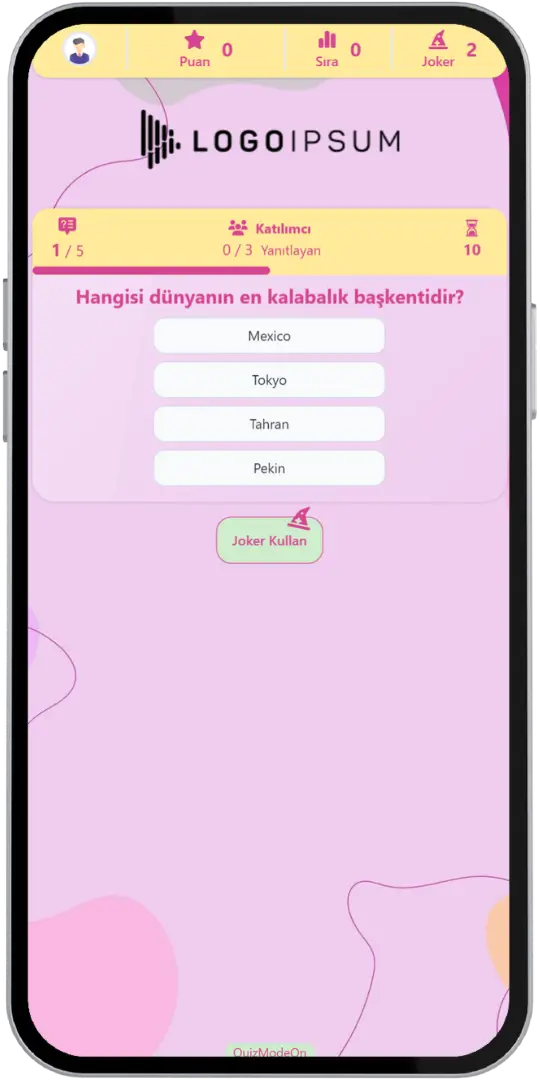
- Question
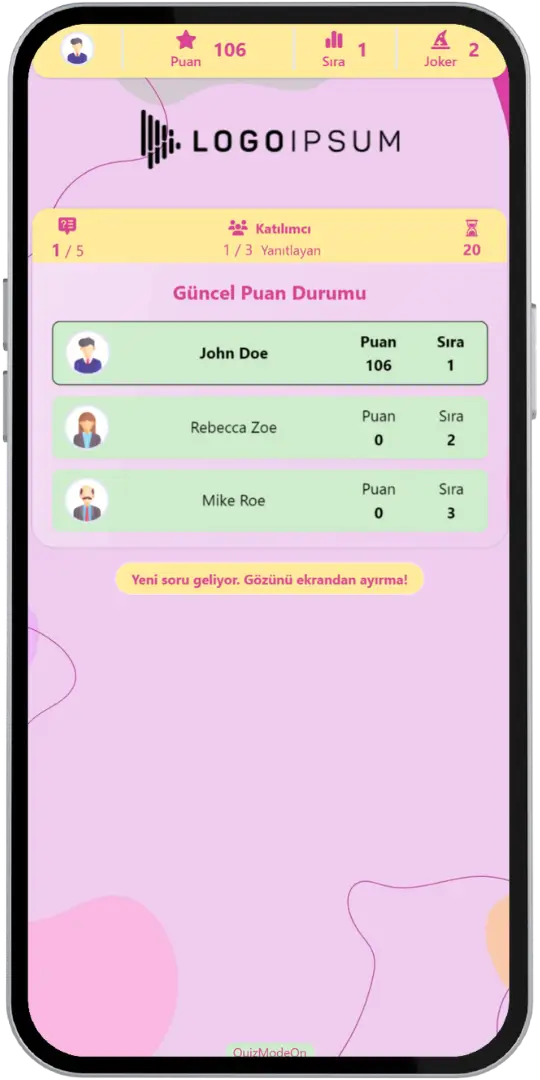
- Results (Interim)
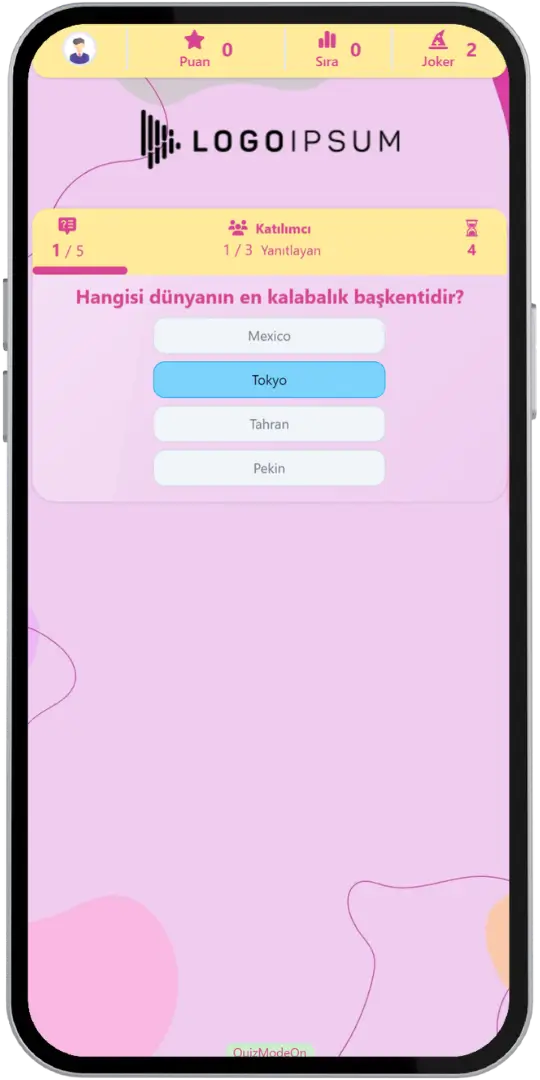
- Answering
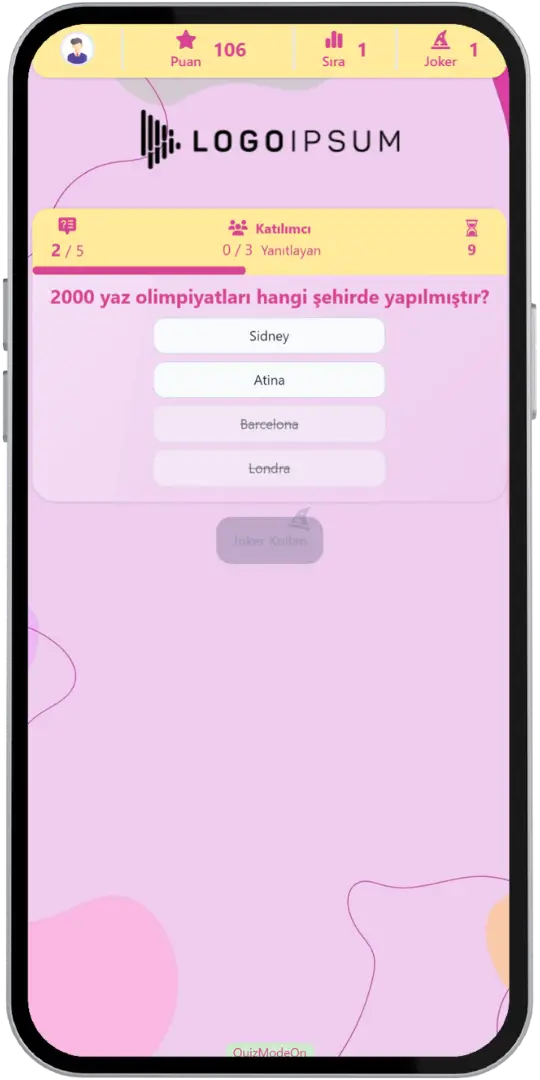
- Joker
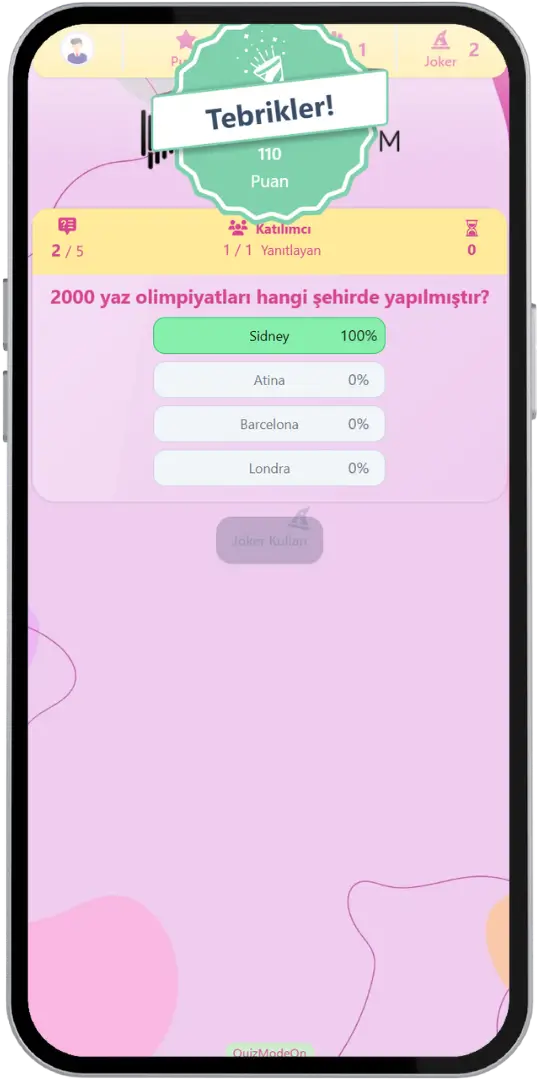
- Correct Answer
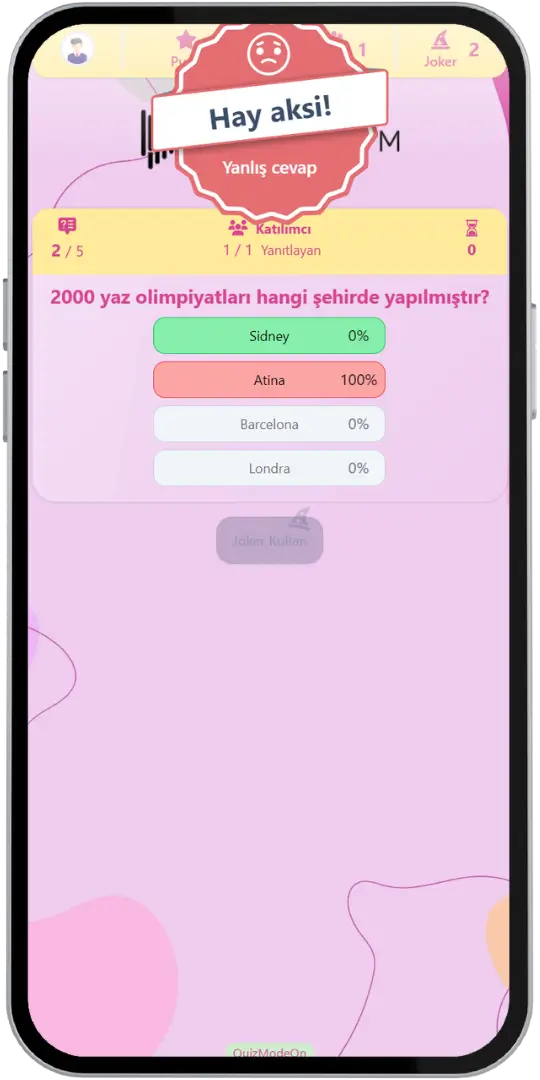
- Wrong Answer
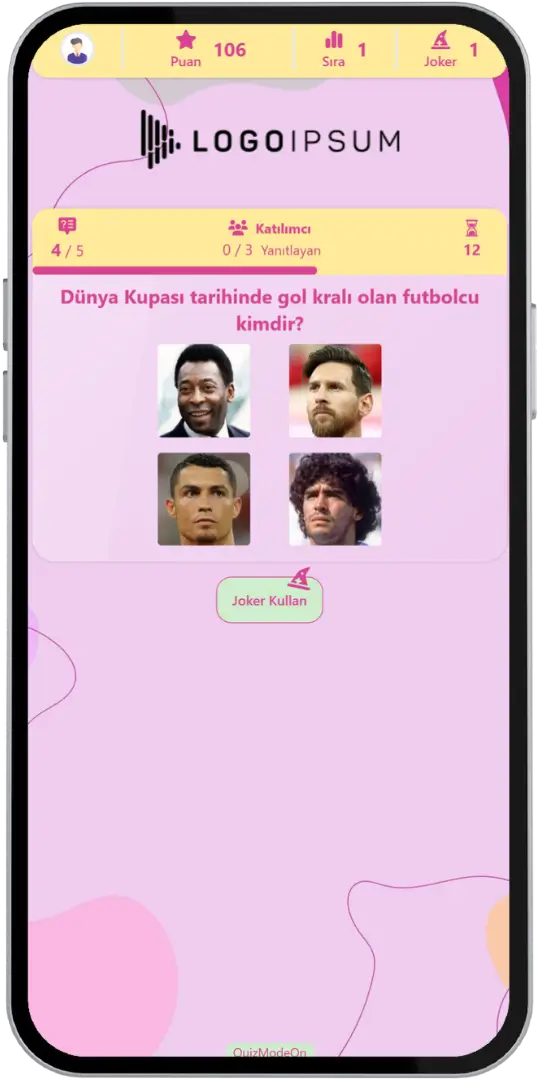
- Visual Question
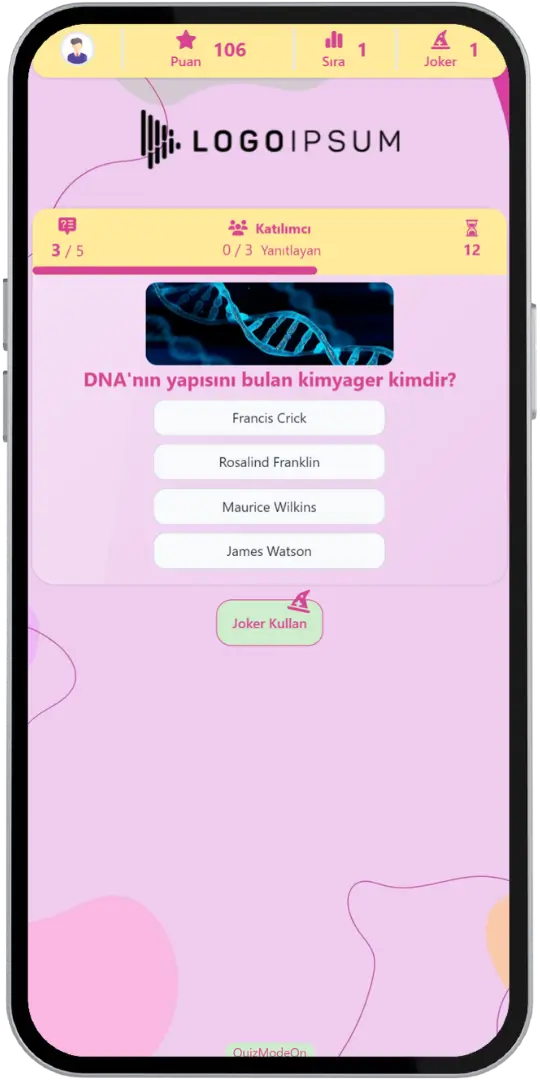
- Visual Answers
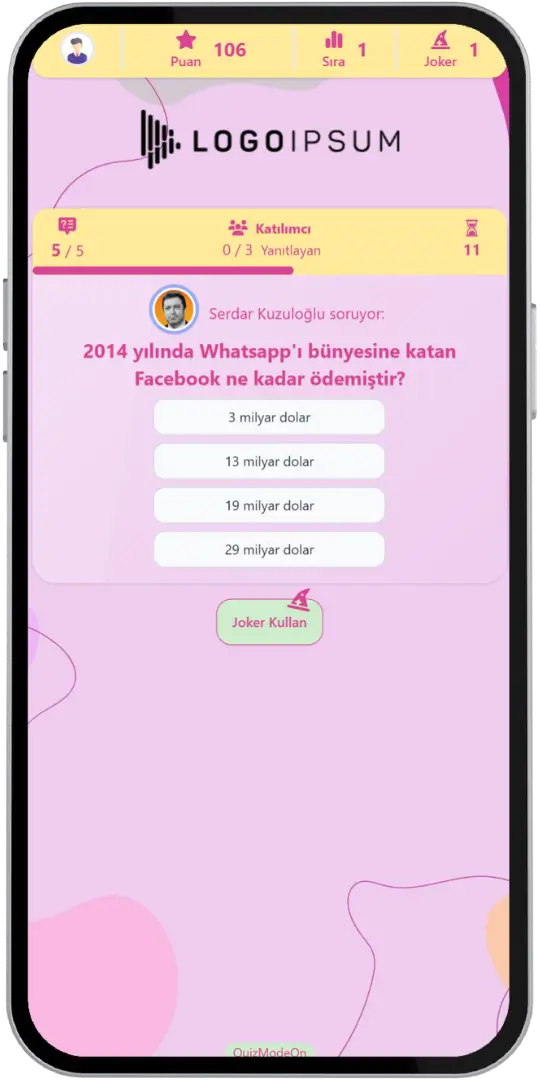
- Profile Question
- Results (Final)
Game Modes & Unique Features
Discover various features to spice up your events.
Get Ready for the Competition with Thousands of Participants
Up to 10,000 people can join the event, and each player must enter the basic registration information to login and choose an avatar. You can export reports and analyze data thanks to participants' data being kept.
Use Customized Brand Theme Feature’s Power for Quiz
Enjoy complete flexibility of QuizModeOn’s theme editor and easily apply your corporate identity by adding custom logos, brand colors, and backgrounds.
Level Up the Audience Engagement with Exclusive Features
Unleash your creativity and accomplish what you need with QuizModeOn's exclusive and extensive features such as artificial intelligence assistant, multi language content, quiz templates, game modes and much more.


AI Assistant
Get assistance from our AI bot by entering a simple prompt about your content to create questions and answers seamlessly. Add content and finalize your workflow as soon as possible.
Multi Lingual Sessions
Multi-language feature allows participants to answer questions in different languages with the same questions at the same sessions and they are evaluated equally.
Jokers
As we know from knowledge testing implementations, allow the audience to bypass difficulties with guessing between two choices rather than four choices. It all comes down to strategy and fast thinking!
Sponsor Question
A profile picture can be added to a question, giving the impression that an individual is directing the question to your audience. This question can also be presented by a fictional character or anything else.
Quiz Templates
Create your own content templates as quiz questions or use readymade templates from QuizModeOn for your own unique contents with multi-language options.
Multimedia Content
Various multimedia formats are supported, including visual and audio questions. These can be utilized as different types of questions to engage participants, such as music or voice messages.
Tournament Mode
Bring excitement with more challenging experience. Incorrect answers will result in users being eliminated, preventing them from answering subsequent questions.
Live or 24/7 Asynch
The event flow can be arranged in two ways. First, the live event flow, where all participants join and play simultaneously. Second, the 24/7 event mode, allowing participants to access the event at any time.
When, Where, and Why? Use of Quiz
Create events with various combinations for all your needs.
- In-Corporate Events
- HR Recruitment
- Learning/Training
- Marketing
When
Quizzes are frequently used for employee experiences.
- Team Building
- Onboarding
- Talent Acquisition
- Employer Branding
- Learning & Education
Where
Quiz events are best for internal & external activities.
- Corporate Events
- Ice-Breaker Meetings
- Workshops & Webinars
- Happy Hours & Celebrations
- Exhibitions, Trade Shows & Conferences
- Festivals & Parties
Why
Quizzes are powerful tools for many purposes
- Create Positive Workplace Environment
- Share Ideas, Inspire & Motivate Your Colleagues
- Boost Engagement & Learning Process
- Collect Valuable Data & Analyze Results
- Build a Reputation & Brand Awareness
How to Create Quiz Events?
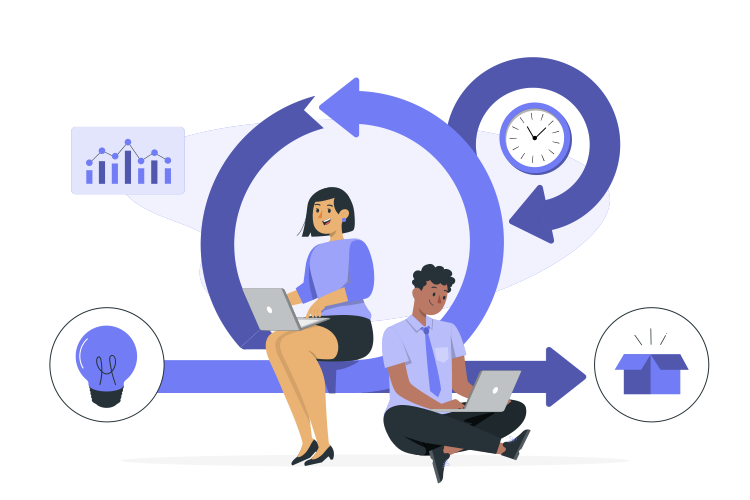
Learn event creation progress step by step.
Create your questions and answers from scratch or readymade templates as you wish.
- You can create quizzes from scratch by using our user-friendly editor or upload your questions in excel format.
- Another option, our ready-made quiz templates are here for you, with many categories. Choose one of them and easily create and edit your content as you wish.
Choose the content language for your event. If you have a multi-national audience, you can use the multi-language feature to bring all your audience together in a single session.
Customize your questions and answers to get the attention of your audience with interactive multimedia content such as pictures and audio files.
Create customized branded themes and designs that fit your corporate identity or key visuals of custom works and events.
Check and finalize your content.
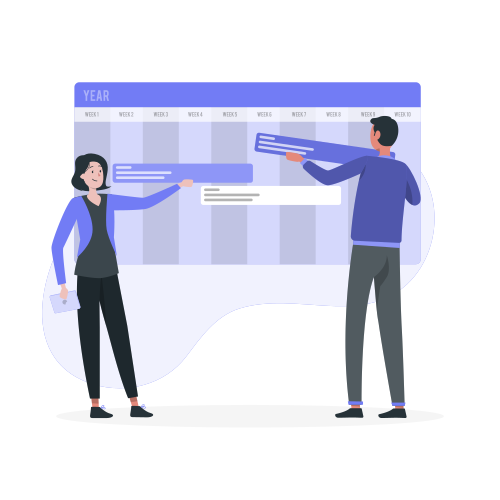
Let’s set up an event for your content with some features.
- Plan the way your event flows. You can choose between Live or 24/7 flows, according to your event dynamics.
- Set the features of your event information, like the participant limit and the PIN code.
- Choose your audience‘s sign up options, and figure out what information you need to keep and use, with this configuration, you can customize how participants see their login screen.
- Set the level of excitement of your event by gameplay parameters such as answer time and joker count.
- You can use predefined avatars or create and upload custom avatars for registration.
After planning the event, it’s time to start and manage your event.
Let your audience have fun and engage.
Remember that speed is a factor, quicker correct answers let participants have more points.
Finally, collect instant results and reward your audiences for their success as you wish.
Quiz Alternatives
Try distinct type of events with unique dynamics and excitement levels.
Check Out Our Blog
Get inspired to discover valuable insights, tips, and strategies.
Gameplay Video
Watch our short video to learn about the basics, such as event flow and features.